To export video from your Digital Video System, you should first decide what
video you would like to export. You can do this in two ways:
1. First, select the desired camera(s)s to export. Second, choose the date
and time range of the video.
2. You can also export any video you intentionally flagged while
reviewing the video through Playback.
Finally, select which device to export to from the drop-down menu and click the
Export button. Follow the onscreen prompts to complete the export. When
finished, you should have a new CD, DVD, External Hard Drive file, or Zipped
file containing the desired video(s). To playback the video(s), select a playlist for
a camera.
6.2 Report
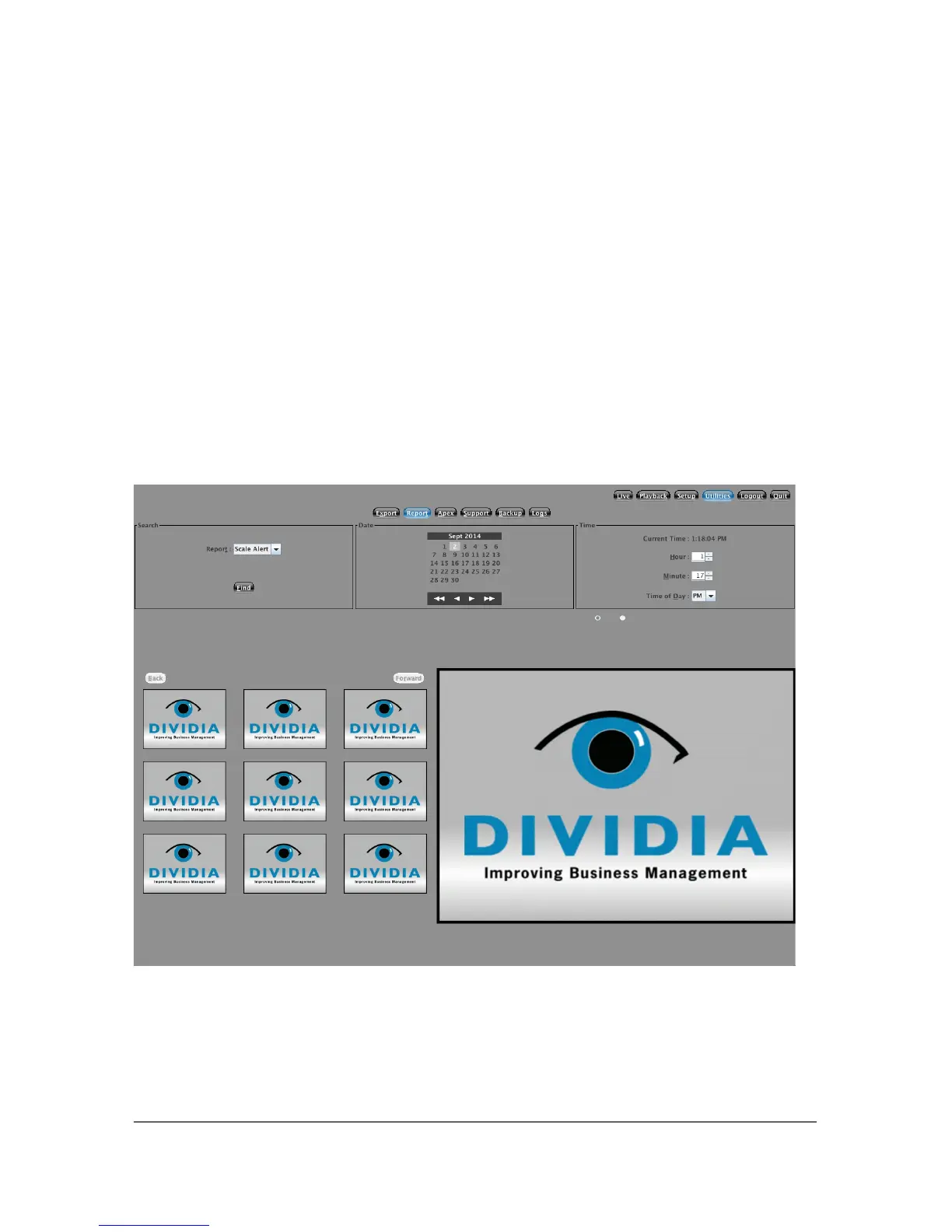
If your NVS system generates Reports that may save files (POS Style Reports),
then you can search them here. You can search by the type of report and the
date/time that it was generated. This will allow you to review the camera shots
associated with that report.
48



 To Next Page