Chapter 7
Remote Access
7.1 General
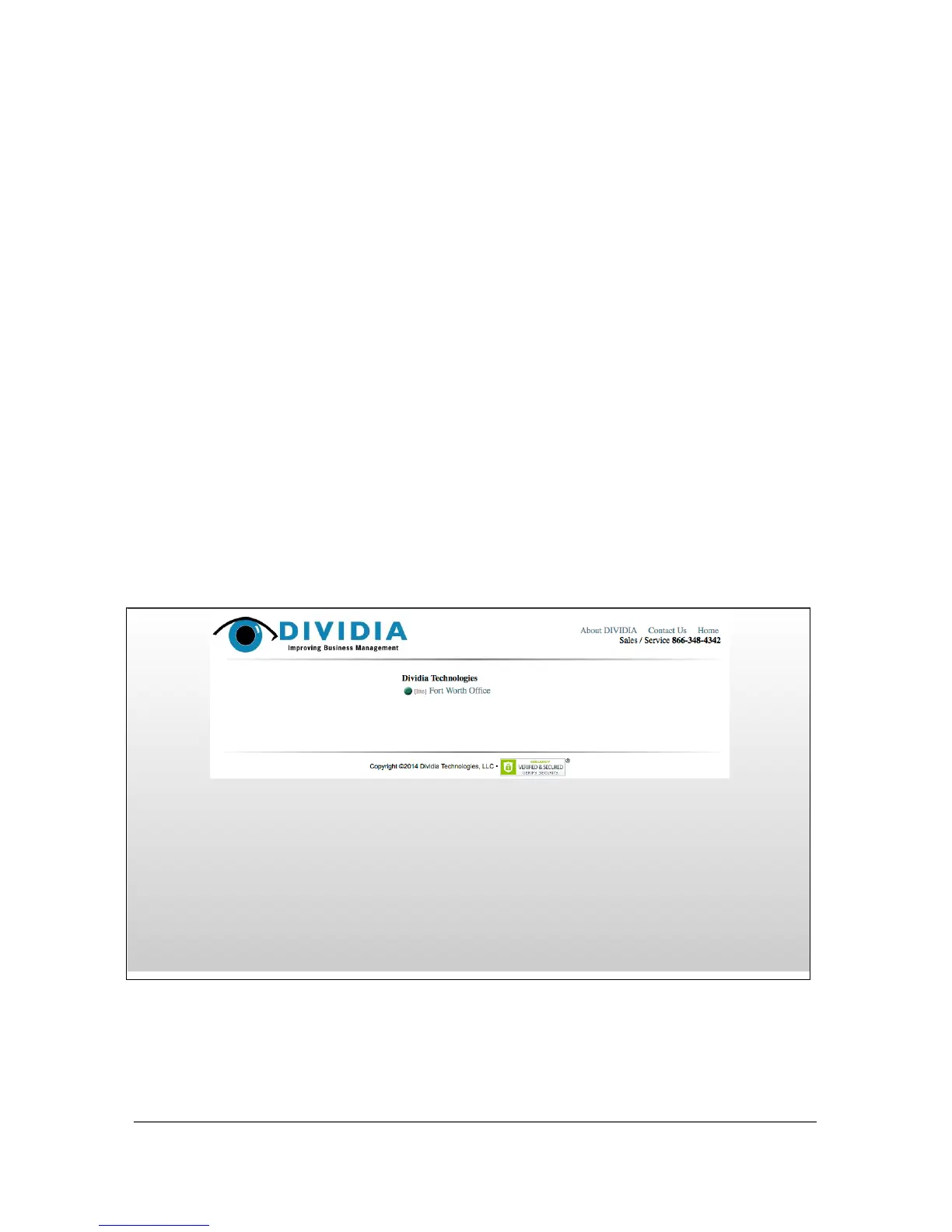
To access the system remotely, you must first have the Remote Viewing right
enabled under the Setup → Users ᅠscreen. Once that is set, you can access your
DVS by simply opening a web-browser (Internet Explorer, Firefox, Chrome,
Safari, etc) and going to http://IP.OF.DVS.SYSTEM/ and clicking Go.
51



 To Next Page