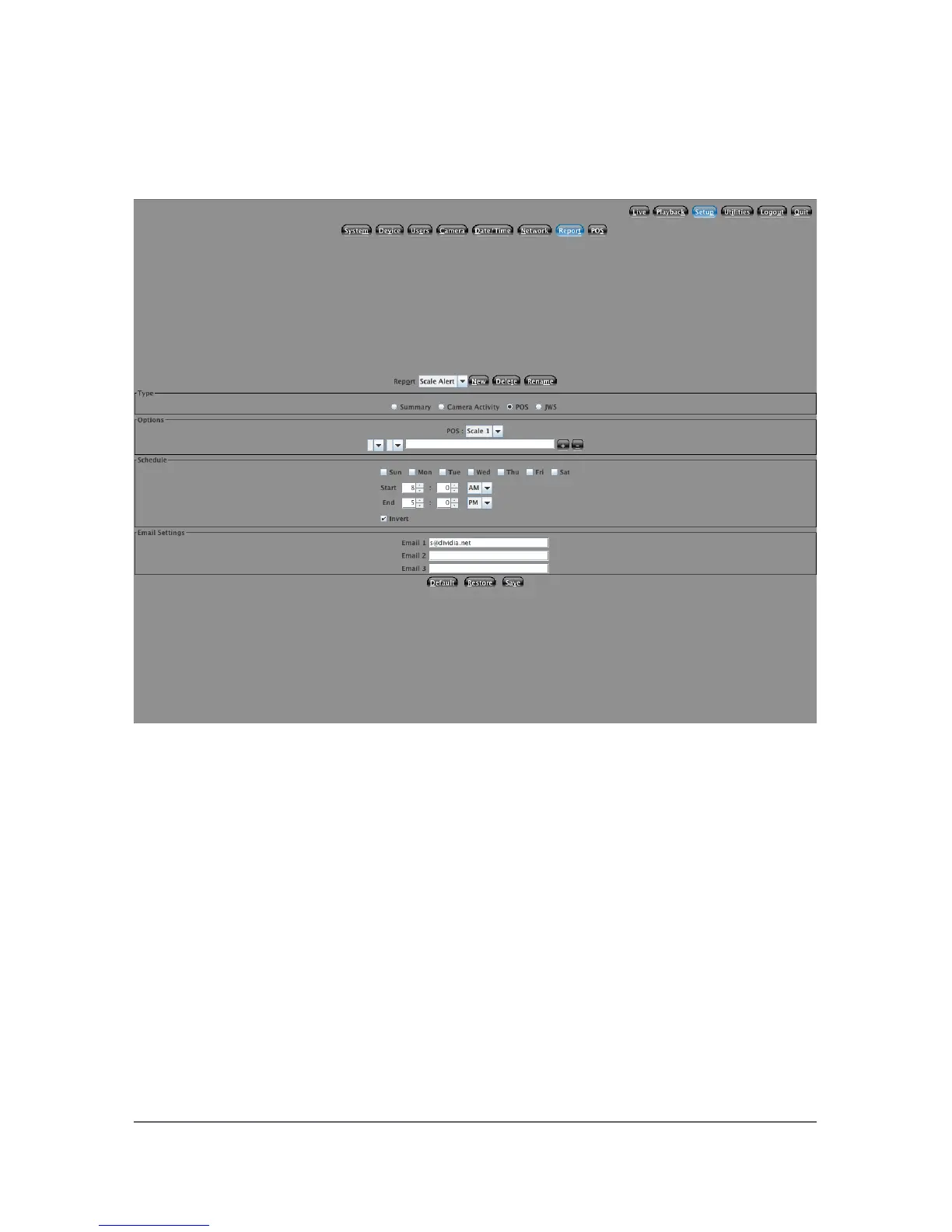
5.7.4 POS Reports
This screen will let you configure how you want all of your POS reports to
behave. If you do not have any reports configured on this screen, then your
Valve/Scale reports will not do anything. You can setup multiple reports detailing
the same information but having different schedules, or notify different email
recipients during different time periods. Below is a description of each report.
Valve Timeout
With the Valve Sensing Configuration enabled, when the valve is opened
and closed and we do not receive a ticket, a Valve Timeout report will be
generated. It will contain the photo(s) of the truck as it was getting filled.
38



 To Next Page