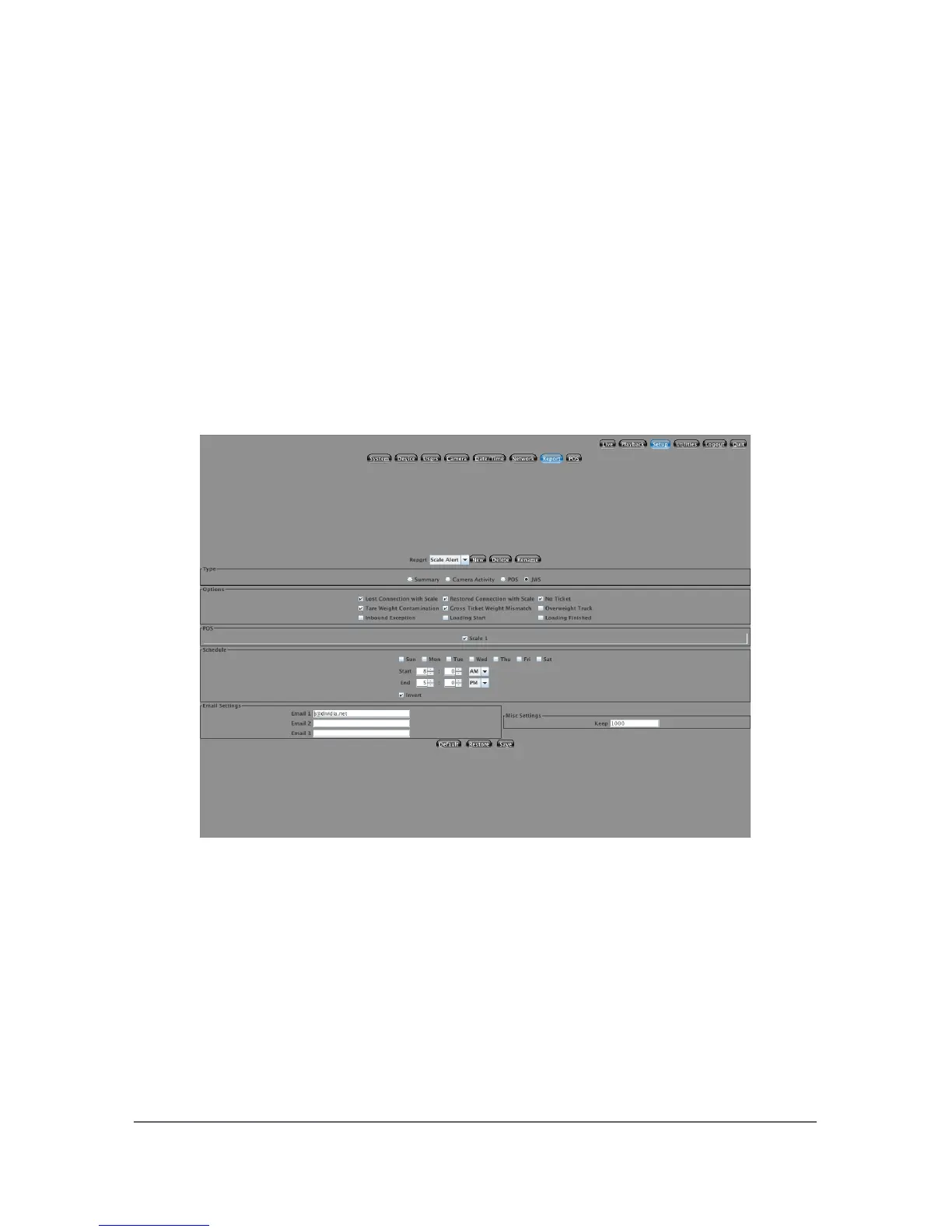
5.7 Reports
Your NVS system supports a number of different reports. Reports contain
information about your system and its performance. By default, all NVS systems
contain a summary report that will provide you with event totals. Additionally,
you can configure Camera Activity reports. If you purchased any of the optional
POS Modules, a POS Reports tab will also be available. All of these reports can
be scheduled. The camera activity report will only report on activity if it is within
the defined schedule. You can specify up to 3 different email addresses that will
be notified for each report type.
5.7.1 Summary
This is an email only report. It will not store any photos or video locally on the
system. The schedule you specify is not a range. It is the exact time you would
like the report to run and be emailed. You can report totals or detailed statistics.
The detail will contain line items for each event matching your selected option.
There are three main pieces of information available for this report.
1. Event Total/Detail
This will show you the number of events broken down by camera that
35



 To Next Page