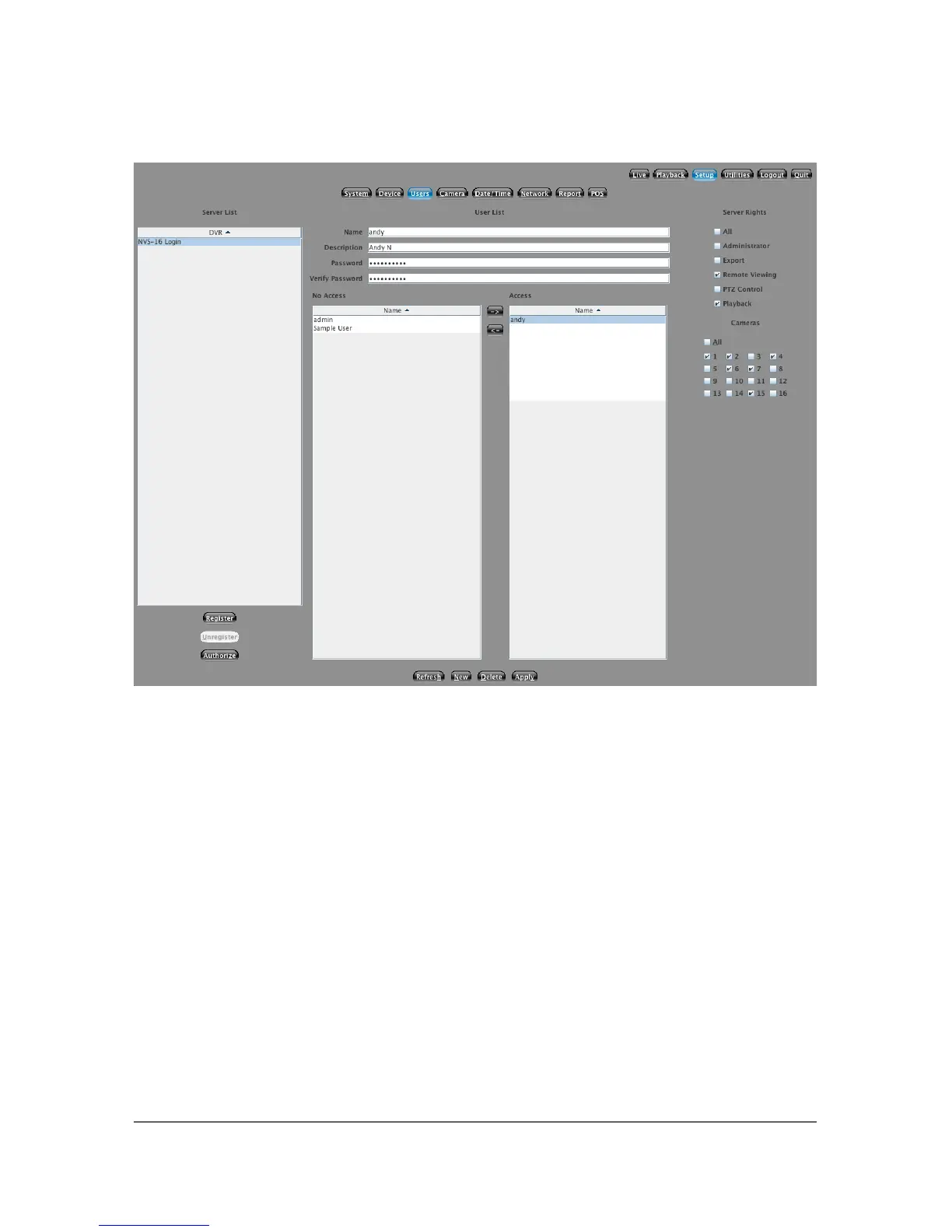
5.3 User Setup
5.3.1 Overview
From this screen you are able to manage all access to your Dividia Video System.
You can create, edit and delete users. You can also change what access rights
each user has to your system.
5.3.2 Setup a New User
To create a new user, click on the New button at the bottom of the screen. The
previous user information will disappear allowing you to input the new user's
information. Enter a Username into the appropriate field. Keep in mind that your
username and password settings are case-sensitive. Make a note if you are
entering them with the CAPS lock enabled or mixed-case lettering. After entering
your username, type the password you wish to setup. Type it a second time into
the Verify Password box. If the passwords do not match, you will be required to
re-enter this information. Once you are finished, click the Apply button.
26



 To Next Page