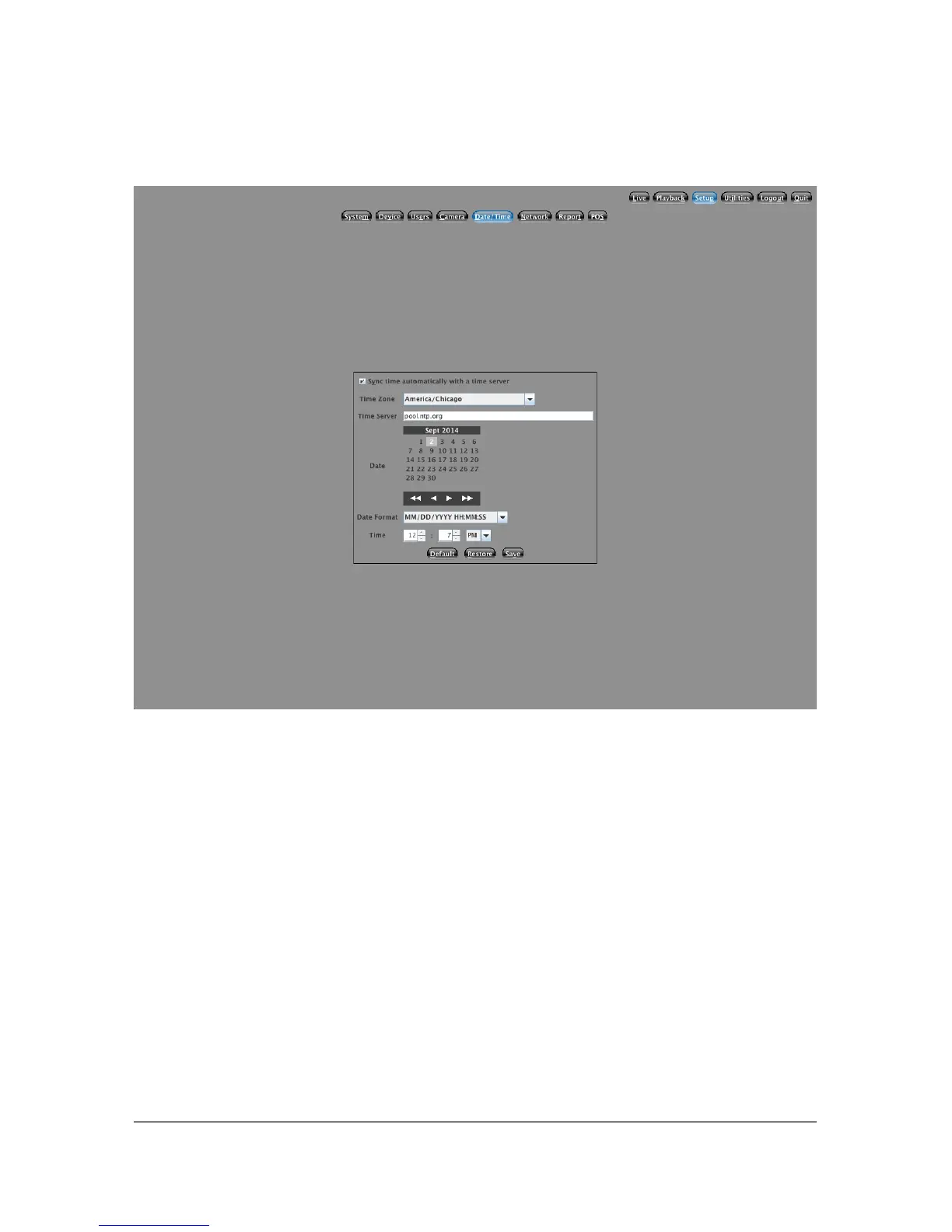
5.5 Date / Time Setup
It is very important that you have the correct date and time set on your system. If
this is not set correctly, then you will have difficulty finding the video
information you are looking for. There are two ways to set the time on your
system. If the Sync time automatically with a time server check box is selected,
your system will contact the time server listed in the text box (once every hour)
to obtain the current time.
The second way date/time may be set is to un-check the Sync Time box and
manually select the date and time. This is most useful if your system is not
connected to the Internet, or you would like to sync the time manually to another
system such as a POS system.
33



 To Next Page