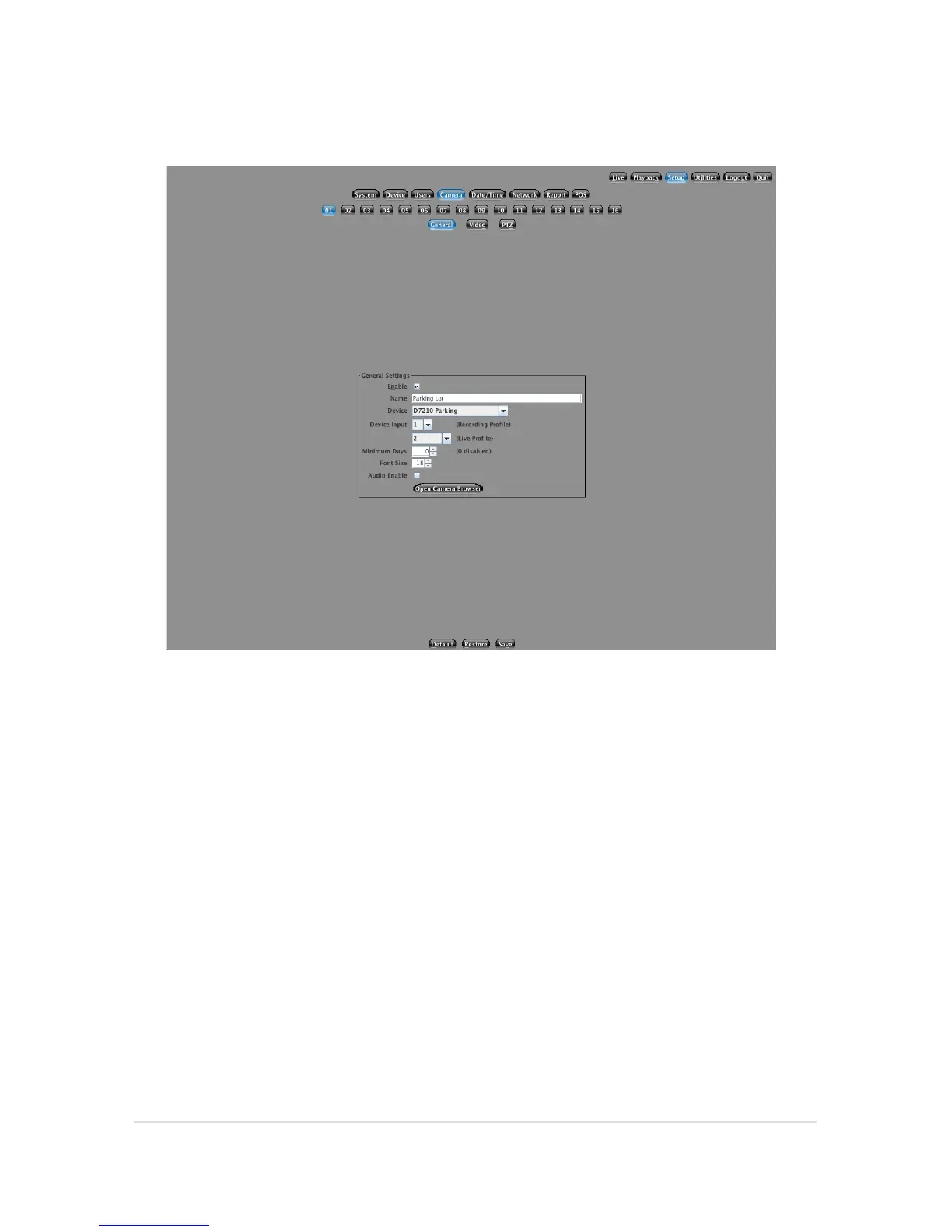
5.4 Camera Setup
This section allows you to customize all per-camera settings. To select a camera,
click on the corresponding Camera number. This will load the various settings for
the camera. For each camera, there are three tabs containing settings: General,
Video, and PTZ.
5.4.1 General
If you do not have a camera attached to this position, it is best to disable the
camera. You can disable the camera by un-checking the Enable check box. This
will completely turn off the camera preventing it from using any system
resources.
If you would like to give each camera a unique name, you can enter it into the
Camera name field. Be sure to only use alphanumeric characters. A maximum of
32 characters are allowed for each camera name.
Next, select which Camera input Device you would like to use for this camera.
Your NVS system supports network cameras that run over a standard
29



 To Next Page