1592022760 Quick reference guide iCHILL 200CX EVO rel. 1.0 10/40
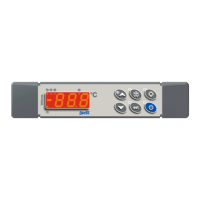
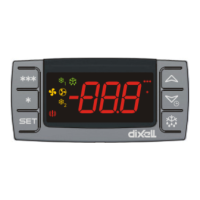
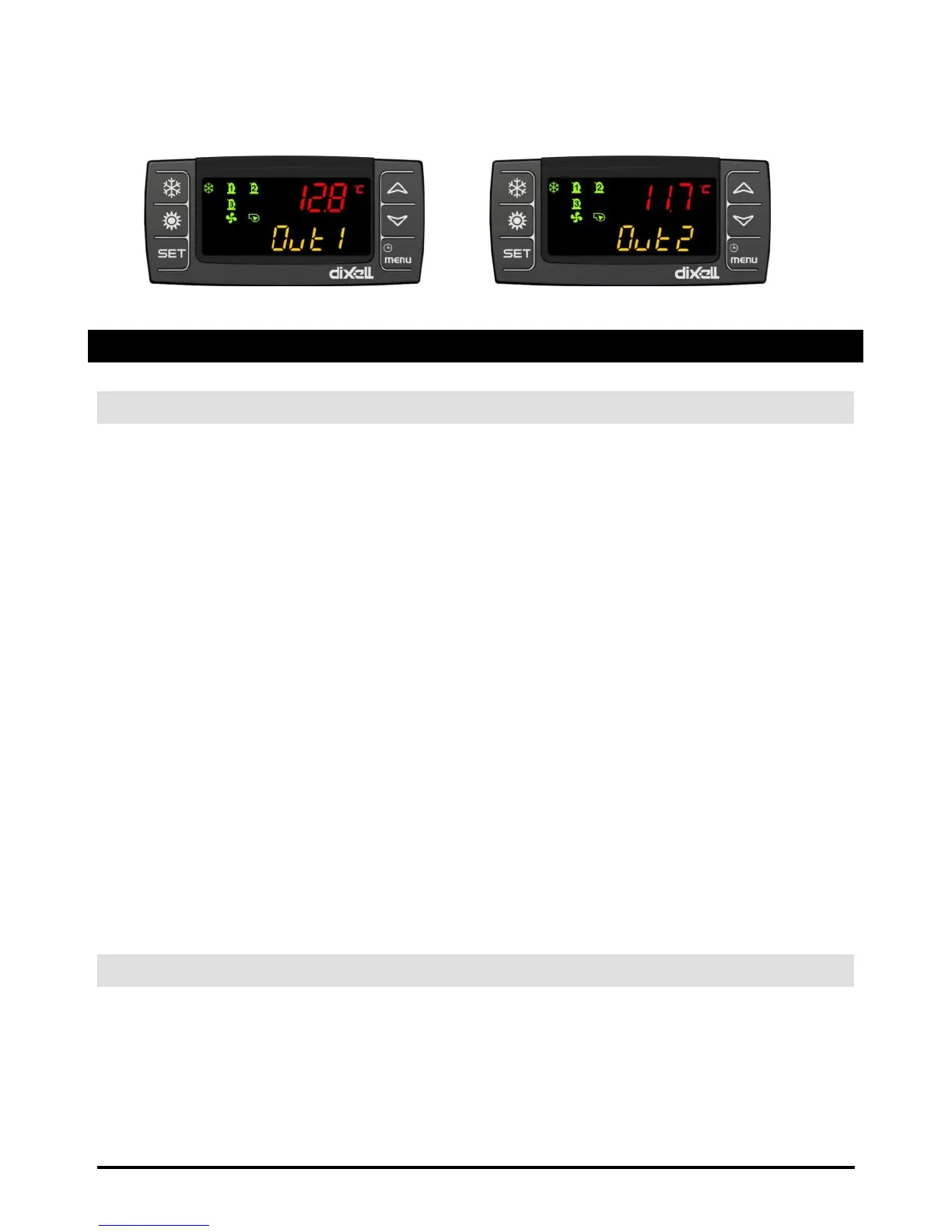
Fig.1 Fig.2
6 OTHER DISPLAY INFORMATION
6.1 READ THE SET POINT VALUE
Press and release the SET key:
If the unit is on standby:
lower display shows SEtC (set chiller);
press SET key again, lower display shows SEtH (set heat pump, if it is enabled);
press SET key again, lower display shows SEtr (set real of operation, in the case
where the Energy Saving and / or function dynamic set point are active);
press SET key again, lower display shows SEtS (set sanitary circuit, in case it is
enabled)
If the instrument is in chiller operation:
lower display shows SEtC (set chiller);
press SET key again, lower display shows SEtr (set real of operation, in the case
where the Energy Saving and / or function dynamic set point are active);
press SET key again, lower display shows SEtS (set sanitary circuit, in case it is
enabled)
If the instrument is in chiller operation:
lower display shows SetH (set heat pump);
press SET key again, lower display shows SEtr (set real of operation, in the case
where the Energy Saving and / or function dynamic set point are active);
press SET key again, lower display shows SEtS (set sanitary circuit, in case it is
enabled)
6.2 MODIFY THE SET POINT
push SET key for at least 3 seconds
use the UP or DOWN key to modify the setpoint. In chiller it is possible to modify the chiller
set point, in heat pump it is possible to modify the heat pump set point, in std-by it is
possible to modify both the set point.
push SET to confirm or wait the timeout (15seconds).


 To Next Page
 Loading...