EasyManua.ls Logo

Dixie Narco 55 Series - User Manual

Dixie Narco 55 Series
79 pages
Print Icon
To Next Page IconTo Next Page
Loading...
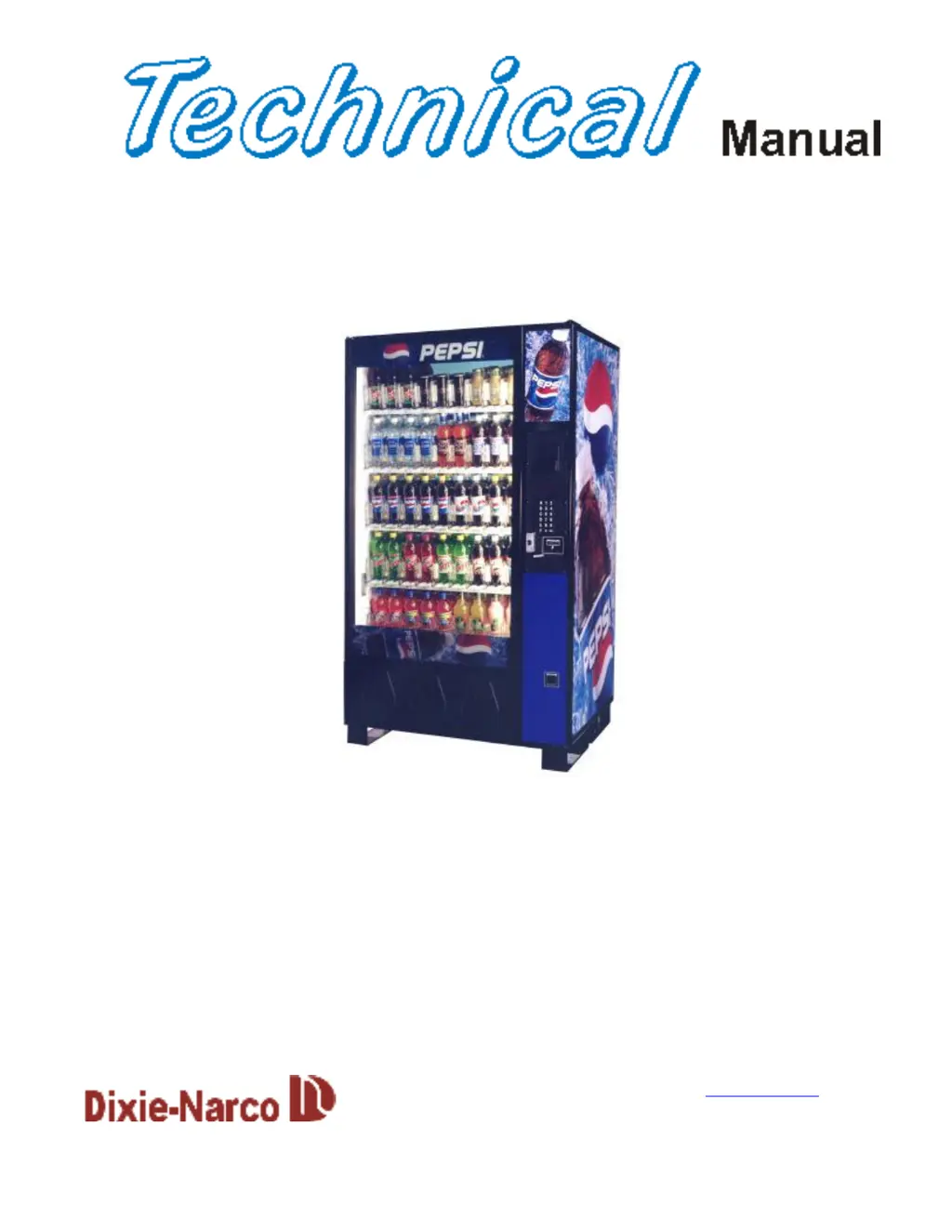
Glassfront Beverage Vender
Models DN 55##, DN 54##, DN 35##, DN 2145
First Production 0001-8000BW (April 1, 1998)
Manufactured by
Dixie-Narco, Inc.
P.O. Drawer 719
Williston, SC 29853-0719
800-688-9090
803-266-5001
fax: 803-266-5049
Visit us on the web: www.dixienarco.com
Version 030.11 and higher
803,902,680.41
Operation
Service
Parts
Troubleshooting
Manual

Table of Contents

Questions and Answers

  • I
    imullinsAug 6, 2025
    Why does my Dixie Narco Vending machines return coins with no credit?
    • D
      Dan ValentineAug 6, 2025
      If your Dixie Narco Vending machine returns coins without issuing credit, several factors could be at play: * A coin jam in the mechanism. Clear any obstructions and test the mechanism. * A dirty flight deck. Clean the flight deck. * Lack of power to the mechanism. Check the harness connecting the changer to the VCU. * The coin return lever being activated. Adjust the coin return lever. * The vendor being in test mode. Close the service door. * A 'Not Available' time being set. Disable this setting. * A defective coin mechanism. Replace the mechanism.
  • C
    Chris BassAug 16, 2025
    Why won't my Dixie Narco 55 Series Vending machines payback coins?
    • B
      brian18Aug 16, 2025
      If your Dixie Narco Vending machine won't payback coins, the possible causes include: 1. No power to the mechanism: Check or replace the MDB harness. 2. Empty coin tubes: Fill the coin tubes with coins. 3. Incorrectly programmed tubes (for 4-tube mechanisms): Reprogram according to the manufacturer's recommendations. 4. Defective coin mechanism: Replace the coin mechanism.
  • H
    hernandezkarenAug 27, 2025
    What to do if my Dixie Narco 55 Series takes bill gives no credit?
    • C
      Christine CollinsAug 27, 2025
      If your Dixie Narco Vending machine takes a bill but doesn't register the credit, the issue likely stems from the validator harness or the board. Try checking or replacing the validator harness first. If that doesn't solve the problem, consider replacing the board.

Summary

General Information

Vender Safety Precautions

Safety precautions for operating and maintaining the vending machine.

Physical Characteristics

Details dimensions, weight, and glass door size for different models.

Installation and Setup

Receiving Inspection

Procedures for inspecting the vender upon receipt for shipping damage.

Level the Vender

Instructions on how to adjust leveling legs to ensure the machine is stable and level.

Setting the Temperature Control

How to adjust the thermostat for optimal cabinet temperature.

Loading the Vender

Procedures for loading products into columns, including using spacers.

Programming

Initial Programming

Procedures for setting Date/Time and Regular Prices for the vender.

Service Mode

Detailed explanation of accessing and using Service Mode functions.

Test Mode

Detailed explanation of accessing and using Test Mode functions for diagnostics.

Setup Mode

Detailed explanation of accessing and using Setup Mode functions.

Major Component Description

AC Distribution Box

Details of the AC distribution box for DN55##/2145 models.

Refrigeration Unit

Details of the refrigeration unit for DN5500/DN5400/DN2145 models.

General Maintenance

Cleaning

Procedures for cleaning condensers, glass, trays, bins, gaskets, and sensors.

EPROM Replacement

Steps for replacing the EPROM on the control board for software upgrades.

Electrical Diagrams & Schematics

MDB Controller Connections

Diagram showing MDB controller connections for DN 55## / 54## / 35## Series.

DN55##;2145 AC Distribution Box Schematic Domestic

Domestic AC distribution box schematic for DN55##/2145.

Troubleshooting

Selection Will Not Vend

Flowchart to diagnose and resolve issues where a selection will not vend.

Compressor Will Not Start

Flowchart to diagnose and resolve issues with the compressor not starting.

Machine Not Cooling

Flowchart to diagnose and resolve issues with the machine not cooling properly.

Parts List

Machine Front View

Detailed part numbers and descriptions for the machine's front view components.

Cabinet Detail

Identification of parts related to the cabinet detail.

Compatible Currency; Credit Units

MDB Coin Mechanisms

Lists compatible MDB coin mechanisms with pin configurations.

MDB Bill Validators

Lists compatible MDB bill validators.

Dixie Narco 55 Series Specifications

General IconGeneral
BrandDixie Narco
Model55 Series
CategoryVending machines
LanguageEnglish

Related product manuals