2.4 Connecting to the DJI Mimo App
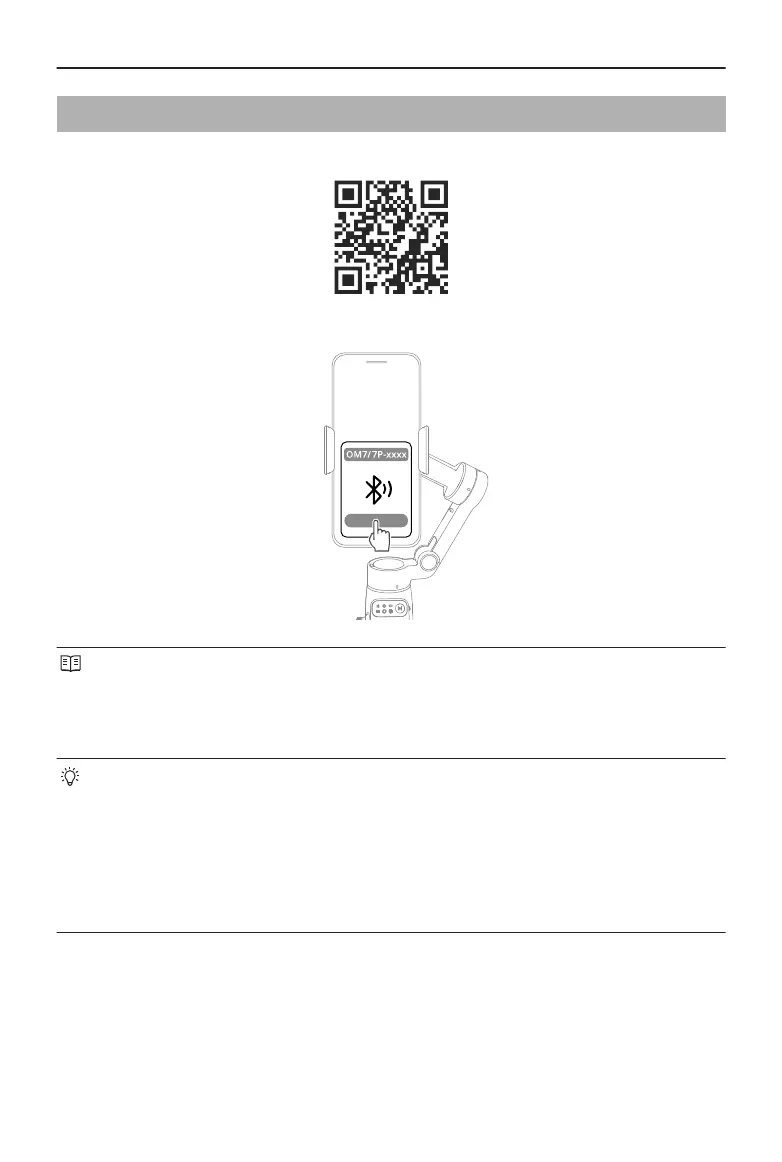
1. Scan the QR code to download DJI Mimo.
2. Enable Bluetooth on your phone, open DJI Mimo, and connect to the gimbal.
• To check the Android and iOS operating system versions supported by DJI Mimo,
visit https://www.dji.com/downloads/djiapp/dji-mimo.
• The interface and functions of DJI Mimo may vary as the software version is
updated. Actual user experience is based on the software version used.
If Bluetooth connection fails, try the following steps:
1. Go to Bluetooth settings on your phone. Remove any existing connections with
the gimbal and forget the device.
2. Reset Bluetooth for the gimbal.
3. Tap the new device name in Bluetooth settings. Once connected, relaunch DJI
Mimo.
Osmo Mobile 7 / 7P User Manual
© 2025 DJI All Rights Reserved. 11


 To Next Page