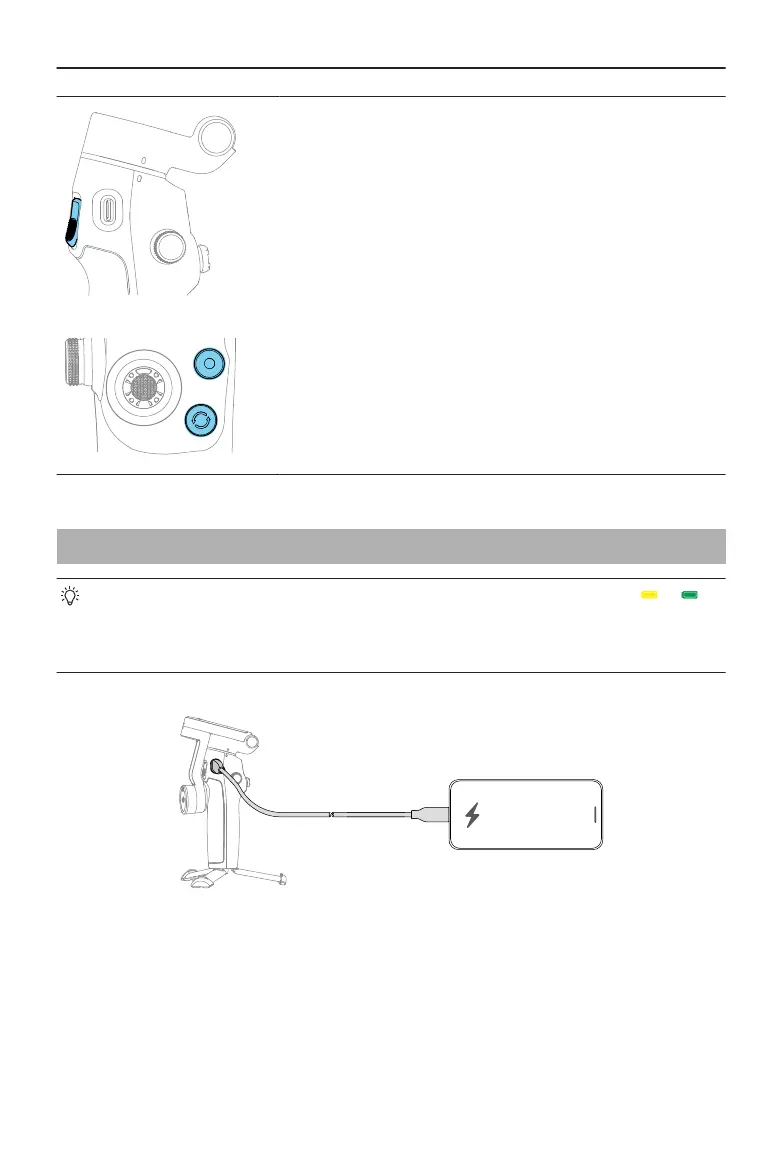
Combination Operation
Press the switch button, shutter/record button, and trig-
ger simultaneously for more than one second to reset the
Bluetooth name and connection and reconnect.
3.5 Phone Charging
• Make sure that the gimbal is suciently charged (the indicator shows or ).
• Make sure that the gimbal is powered o.
• Certain phones are charged only after pressing the M button.
Osmo Mobile 7 / 7P User Manual
18 © 2025 DJI All Rights Reserved.


 To Next Page