7
2.4 Replacement of drive board
Step 1:
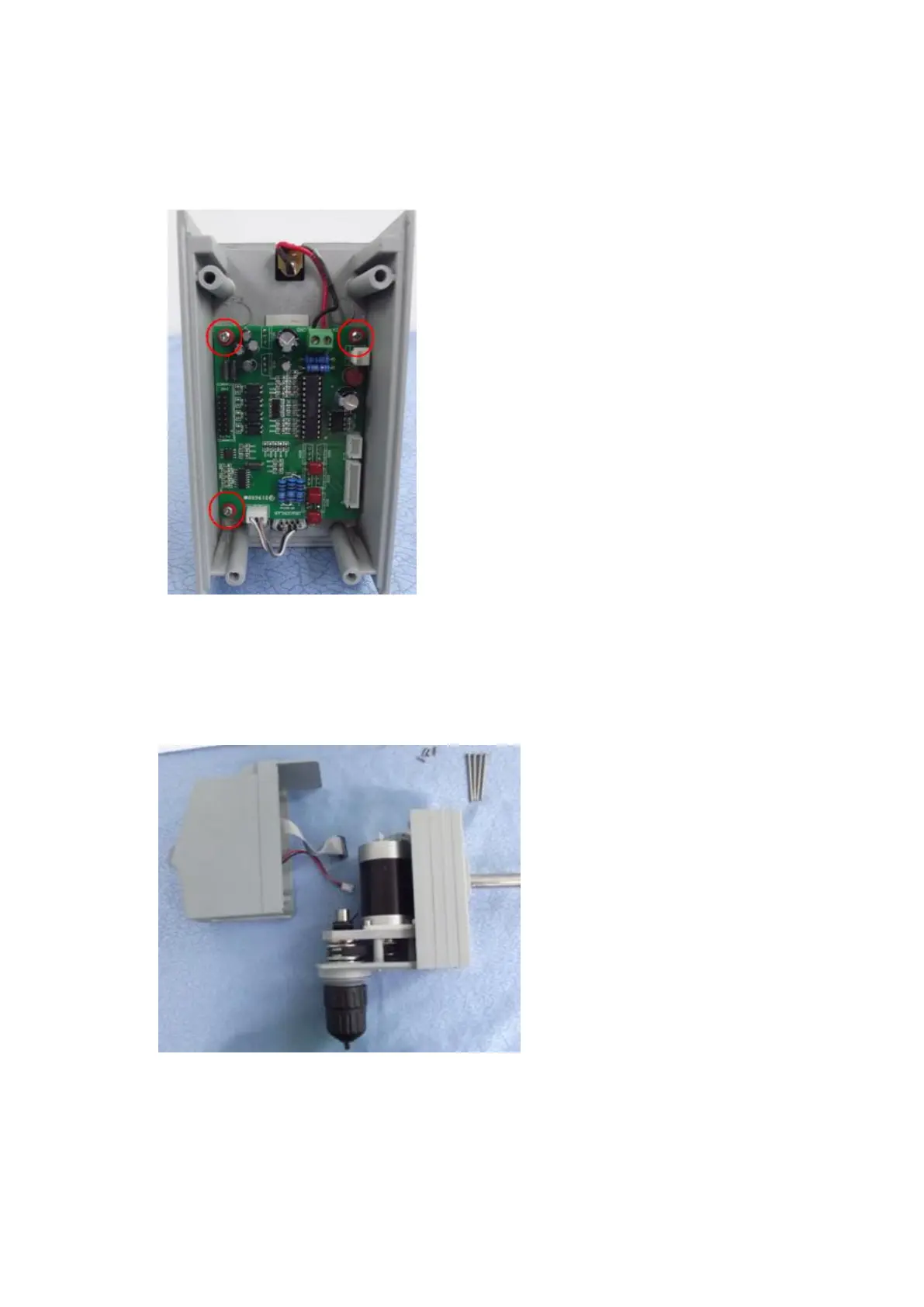
Pull out the cables of Driven Board.
Remove the screws and ceramic gaskets
(marked in red circles) of fixing Driven
Board by tools and keep them to be properly
preserved;
Step 2:
Turn over the old Driven Board to be
removed, and remove thermal silicagel pads
on the Driven Board, to affix it to the
corresponding position on the new PCB
control board. Pay special attention that the
silicagel pads must completely cover the
corresponding components. Then carry on
circuit connections and tighten
2.5 Replacement of Control Modules
Step 1:
Pull out the cables of control
modules and Driven Board
after the removal of the
instrument; replace new control
modules, and tighten screws
after the cables are connected;



 To Next Page