14
Select Areas
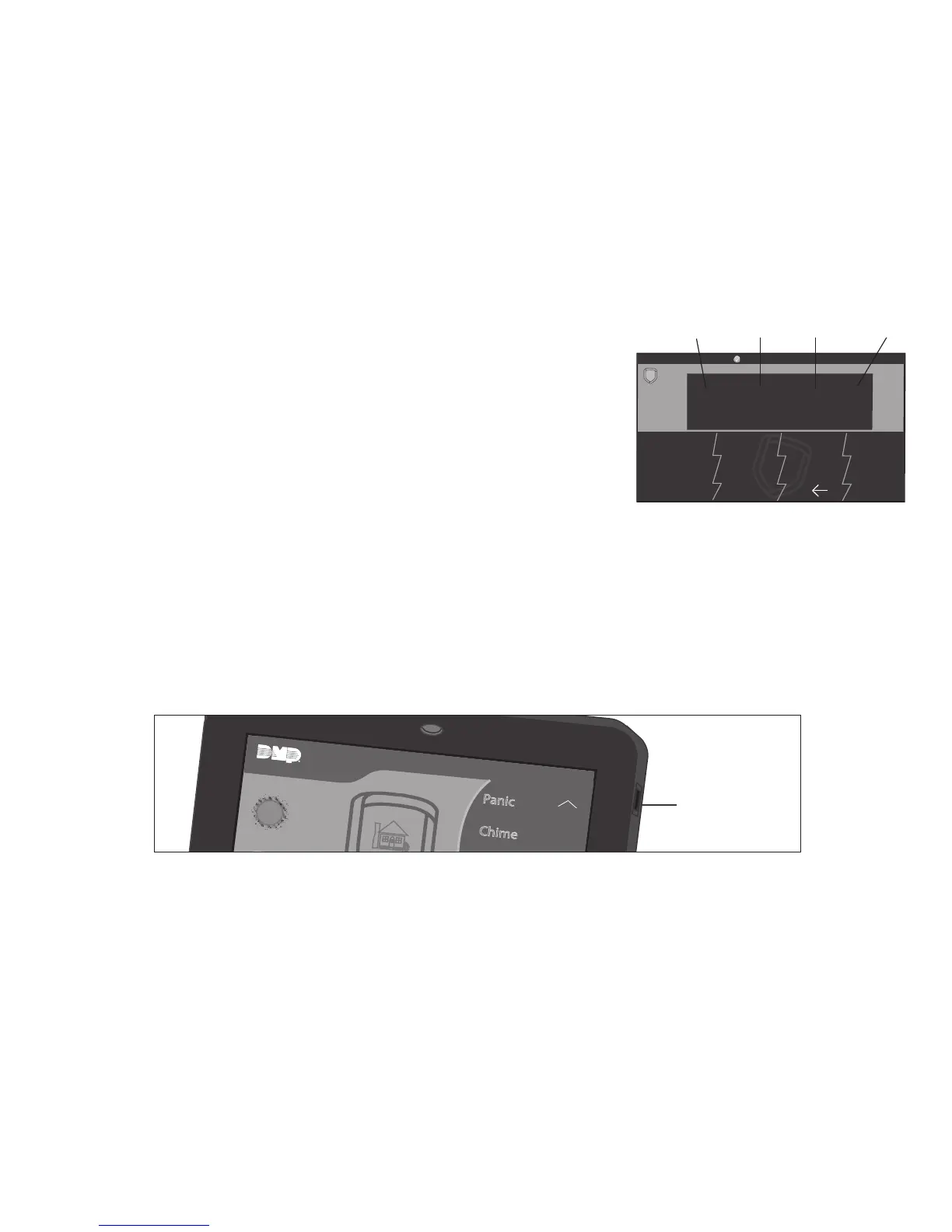
There are four select areas on the keypad display as seen
in Figure 5. These select areas are one of the features that
make the system so easy to operate. They allow you to make
selections by pressing the area over each key, icon, or other
selection to operate the keypad.
Warning: Do not use any sharp objects to operate the
touchscreen such as a pen or pencil.
Micro SD Card
7800 Series keypads provide a spring–loaded Micro SD card slot on the right edge of the
keypad housing. This is used to load a custom logo onto the main screen. Insert the Micro
SD card straight in, with the contacts facing the wall, pressing in until a click occurs from the
spring mechanism. To remove the Micro SD card, gently press in to allow the spring to eject
the card. Grasp the edges of the card with two fingers and remove. See Figure 6.










 To Next Page