27
Shortcut Items
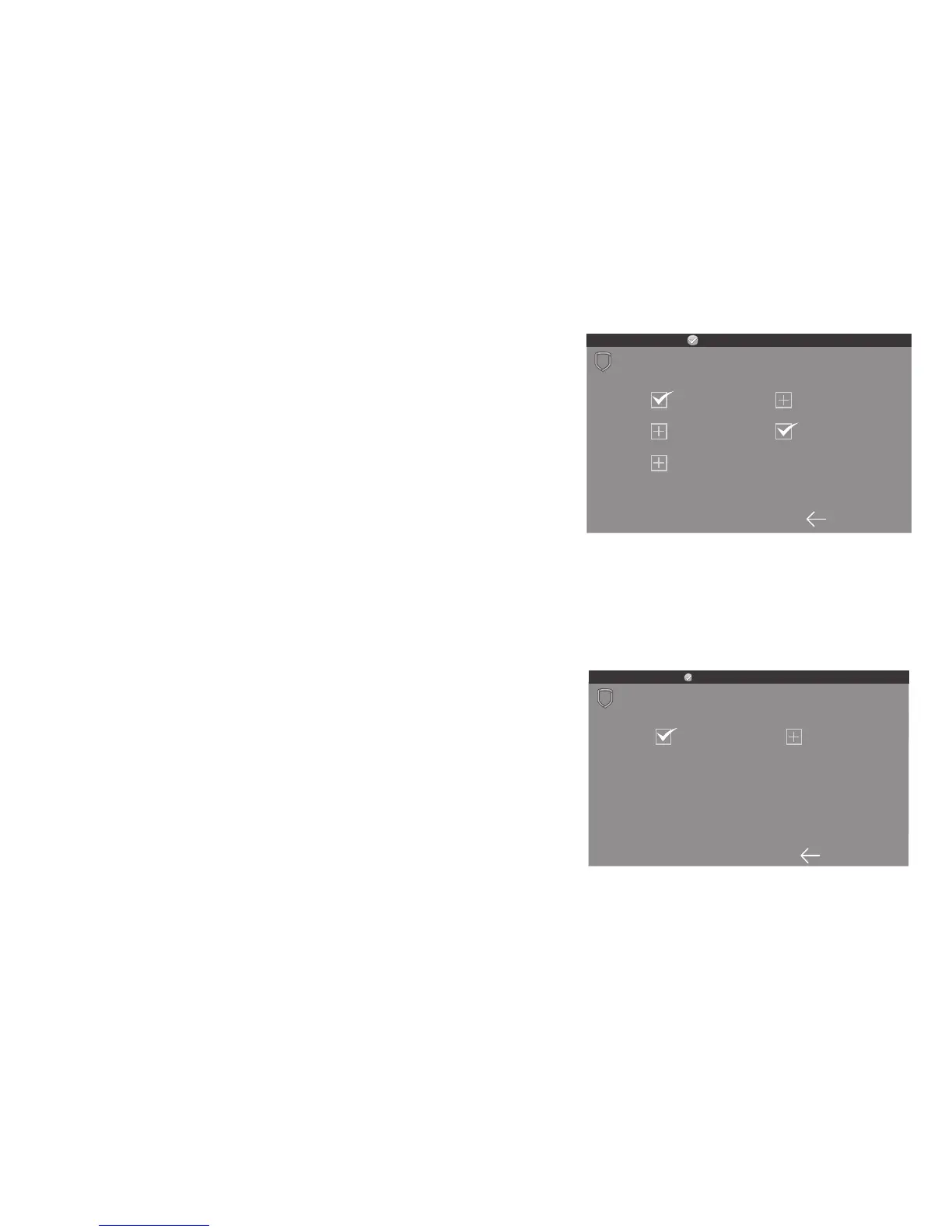
The Shortcut Items screen allows you to select
additional menu items to be displayed in the carousel
menu on the main screen. Press the item to select and
a check–mark displays. Press again to de–select. Items
for the carousel include User Codes, Schedules, and
Events. Default is no items selected.
Select Edit Z-Wave to display the Edit Z-Wave icon
on the Lights, Doors and Thermostats screens. Select
Edit Favorites to display the Edit Z-Wave icon on the
Favorites screen. If NO is selected, the Edit Z-Wave
icon will not be displayed. See Figure 13.
Select Language
The Select Language screen allows you to select the
language for text on the home screen and carousel
menu screens. Press the item to select and a check–
mark displays. Only one language may be selected.
Default is English. See Figure 14.
Note: The keypad does not translate information from
the panel that is displayed in the Keypad screen such
as the Status list.
Installer Options










 To Next Page