EasyManua.ls Logo

DMP Electronics 7872 - Site Code Position; Site Code Length; User Code Position

DMP Electronics 7872
40 pages
Print Icon
To Next Page IconTo Next Page
To Previous Page IconTo Previous Page
Loading...
22
Site Code Position
Enter the site code start position in the data string. Press
any select area to enter a number between 0-255. Press
CMD to save the entry. Default is 1.
Site Code Length
Enter the number of characters the site code contains. Press
any select area to enter a number between 1-16. Press CMD
to save the entry. Default is 8.
User Code Position
Define the User Code start bit position. Press any select
area to enter a number between 0-255. Press CMD to save
the entry. Default is 9.
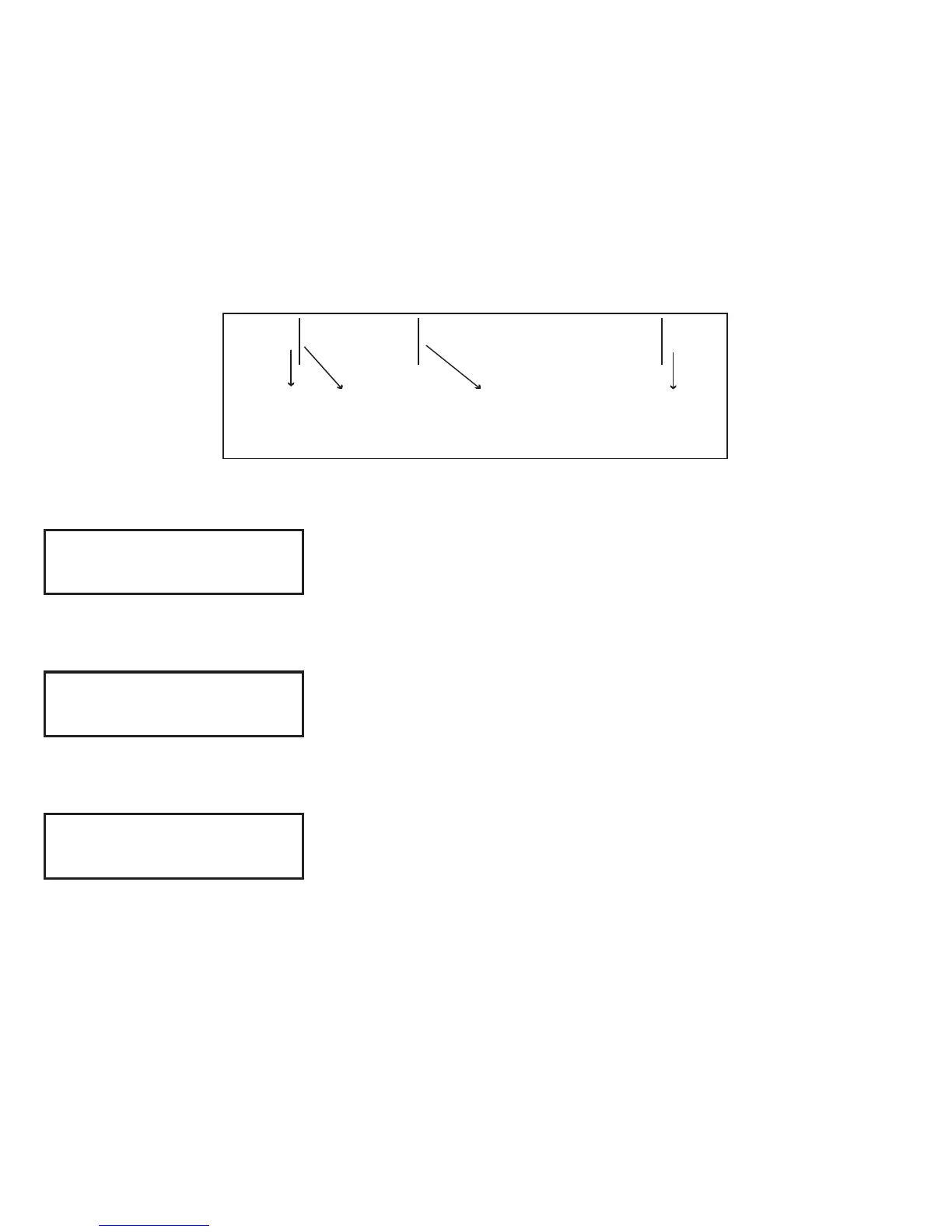
Figure 11: HID 26-Bit Wiegand Data Stream Bit Location
Example

01110101101101010001100111
First Bit
Received
Position = 0
Site Code
Position = 1
Length = 8
User Code
Position = 9
Length = 16
Last Bit
Received
Position = 25
In this example the Wiegand Code Length = 26 bits.
SITE CODE:
POSITION 1
SITE CODE:
LENGTH 8
USER CODE:
POSITION 9
Installer Options

Table of Contents

Other manuals for DMP Electronics 7872

Related product manuals