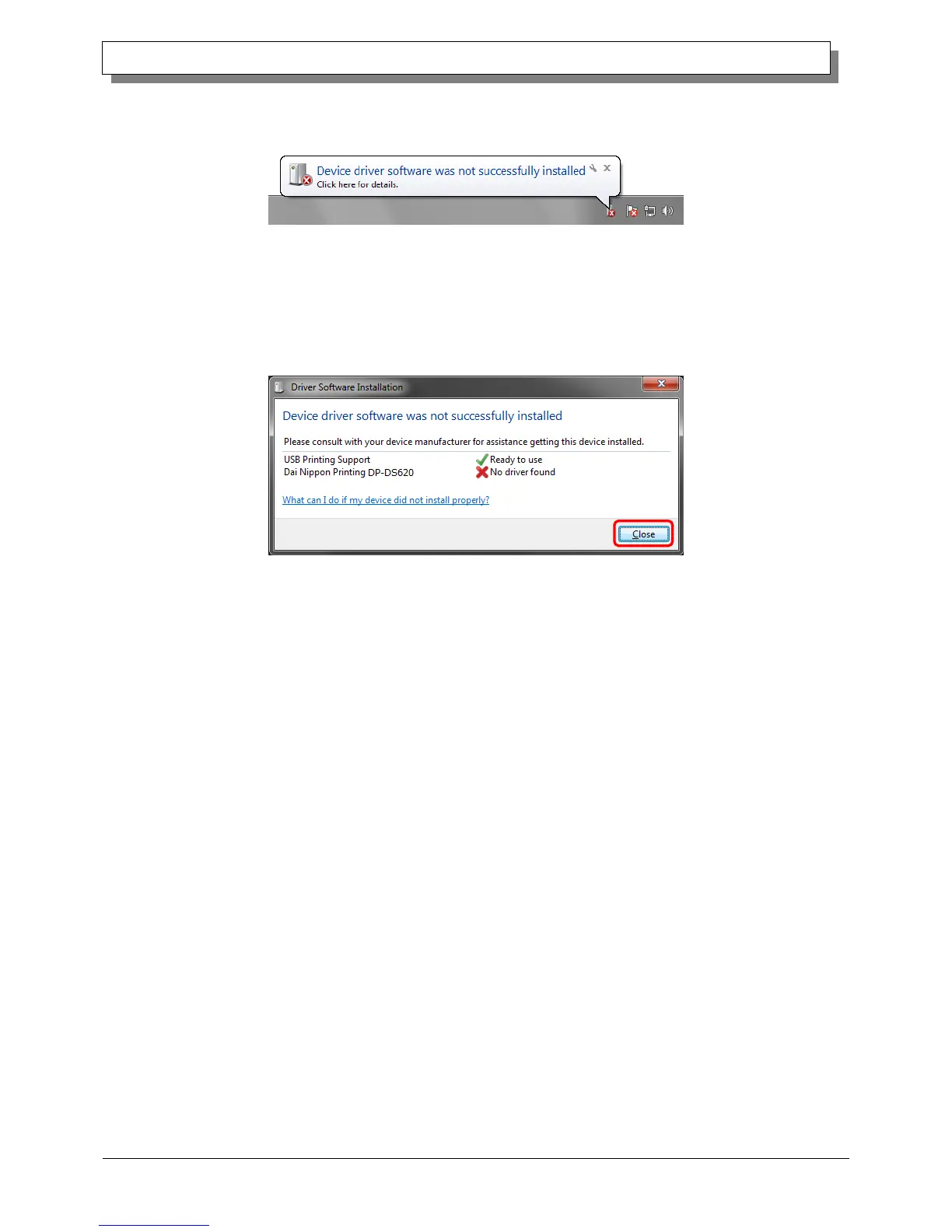
When it was not possible to install the DP-DS620 printer driver correctly, the following message appears in the taskbar:
Device driver software was not successfully installed.
Figure 1.15 Message indicating that the driver was not installed
If you click on this message, the Install driver software screen appears and displays the message "Device driver software
was not successfully installed". Click Close.
(If the Driver Software Installation screen is open when installation starts, the abovementioned taskbar message is not
displayed.)
When the driver could not be installed correctly, see the next section, 1.4, “Install drivers for unspecified devices”, and
then install the printer driver.
Figure 1.16 When the driver was not installed correctly



 To Next Page