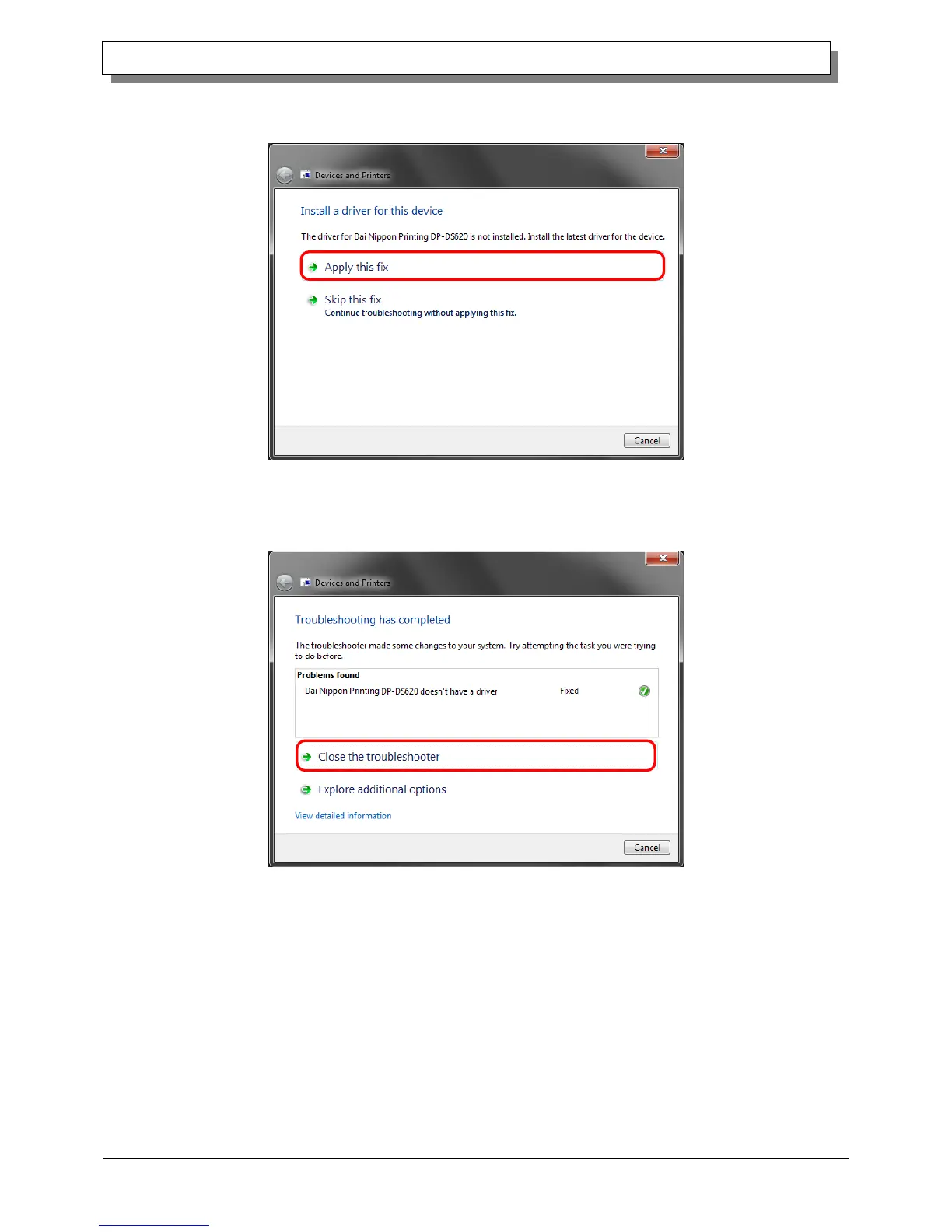
The Install a driver for this device screen appears. Click "Apply this fix".
The computer searches for a driver automatically, and then installs it.
Figure 1.18 Applying a fix
If the driver is installed, the message "Troubleshooting has completed" appears. Click "Close the troubleshooter" to close
the troubleshooting window.
Figure 1.19 Completing troubleshooting



 To Next Page