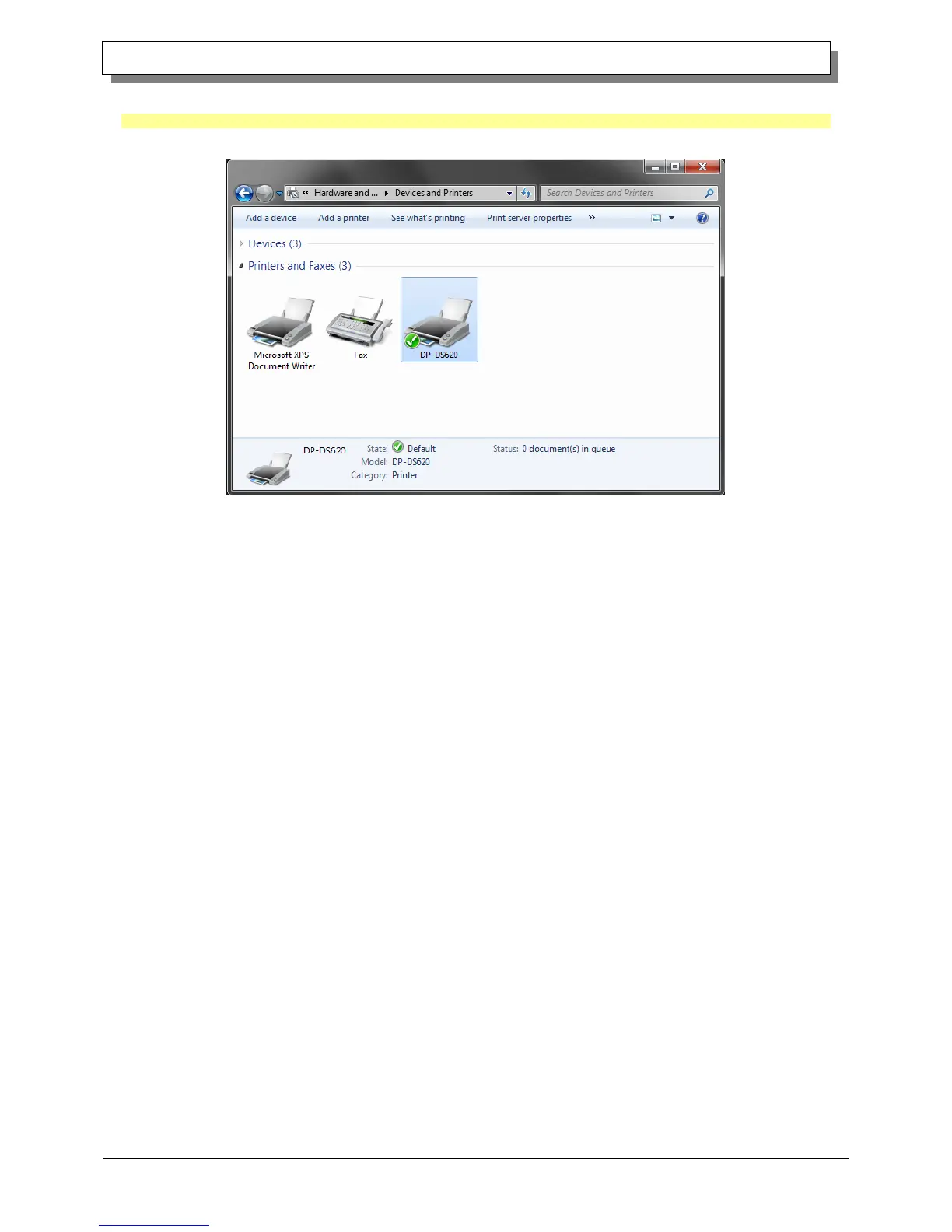
In Devices and Printers, make sure that “DP-DS620” is present.
Note: In Windows 8, when the printer is offline (the printer is not on and connected), the DP-DS620 icon is not displayed.
This completes installation of the DP-DS620 printer driver.
Figure 1.20 Devices and Printers screen
After the installation of the printer driver is complete, always restart the computer.



 To Next Page