D439E Service Manual 5. Service Tool
253
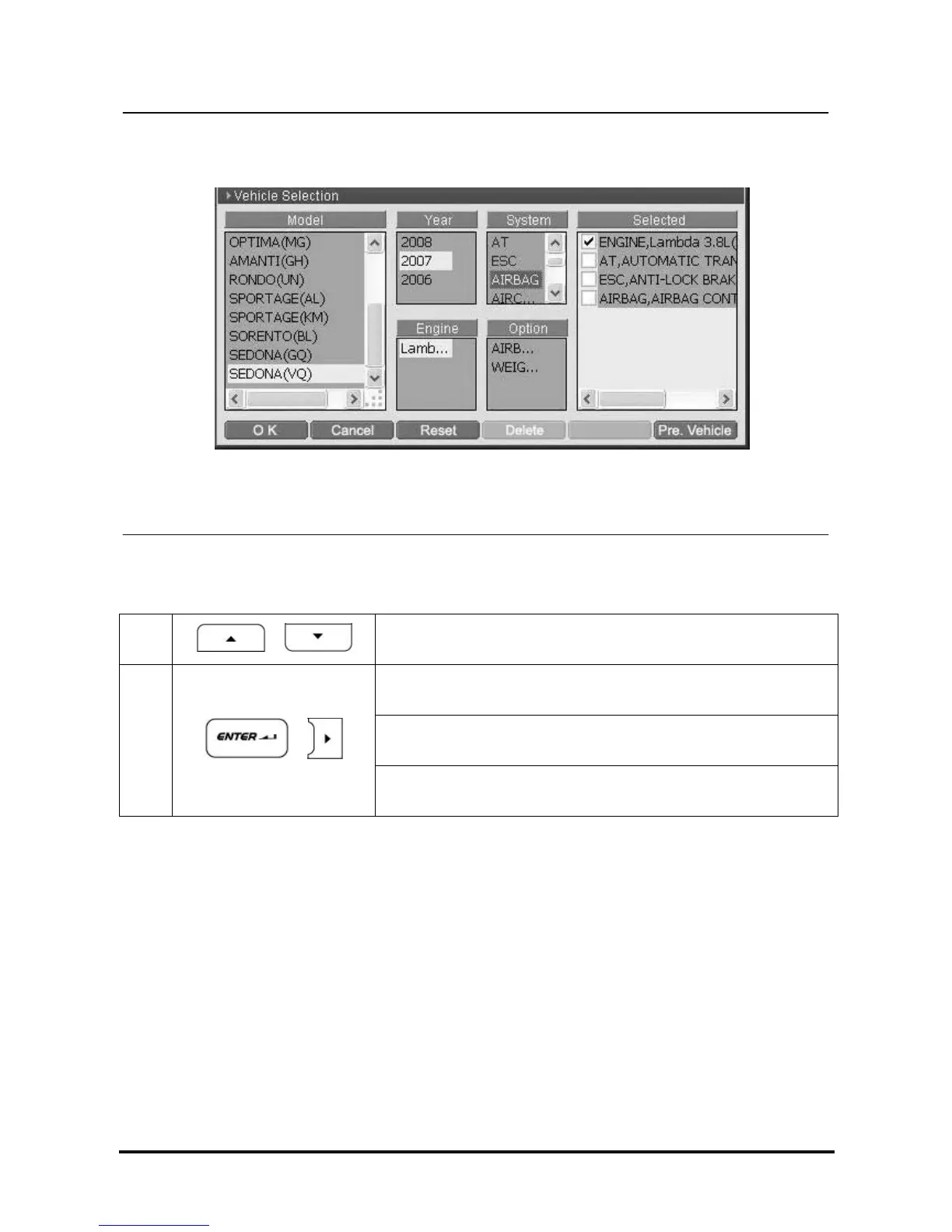
<Figure 5: System Selection>
4. System Selection
1
,
Move and set the cursor on the system of model
After selecting the system of model to be diagnosed
① When there is one system option :
The system is registered in the “Selected” zone.
2
,
② When there are two or more system options :
Move to the “Option” zone.



 To Next Page