D439E Service Manual 5. Service Tool
254
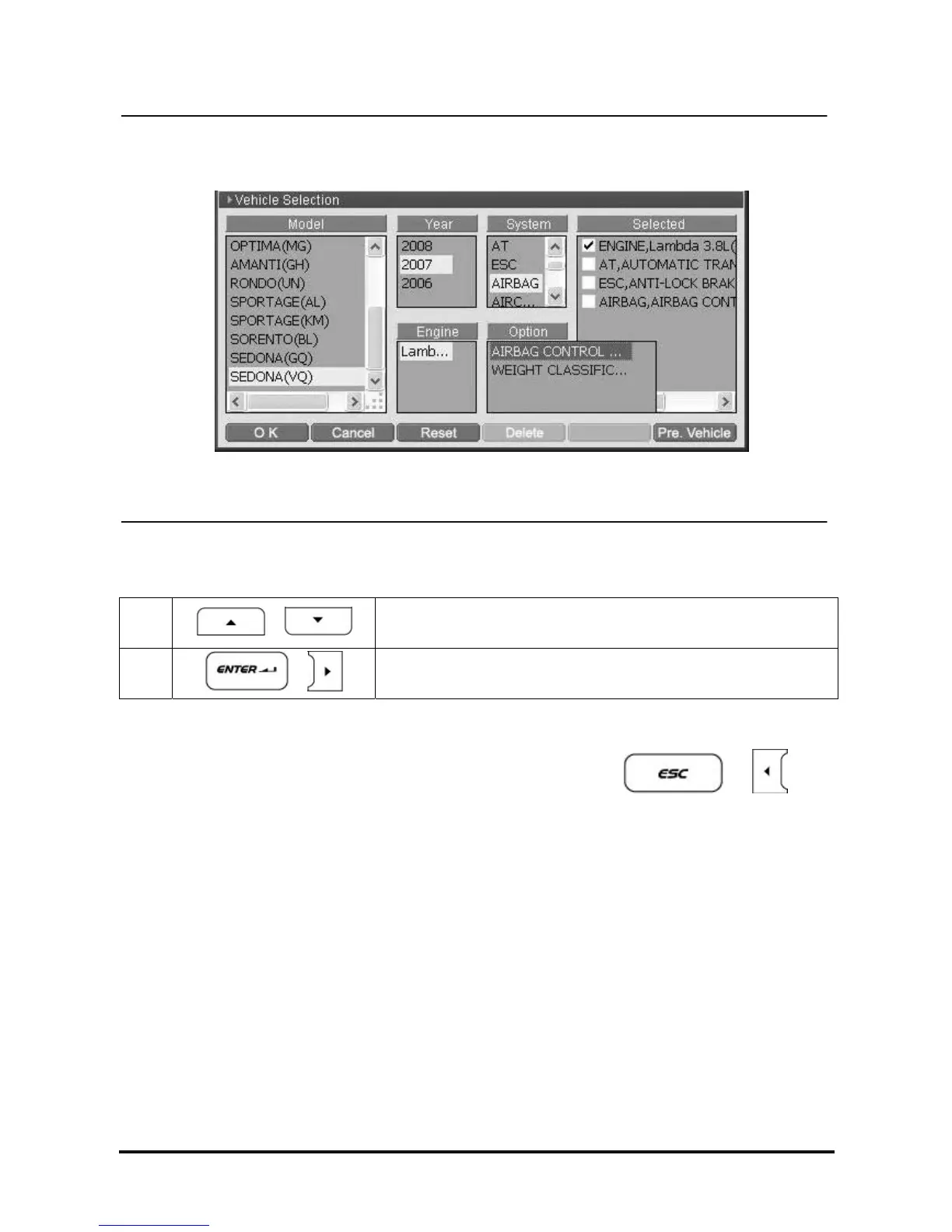
<Figure 6: Option Selection>
5. Option Selection
1
,
Move and set the cursor on the system option of model
2
,
Selected option type is registered in “Selected” zone
6. Multiple System Selection
When the number of the Systems to be diagnosed is more than one, press
or
buttons to move to “system” and select other systems.
→ Repeat 4 ~ 6 for multiple system selection.
NOTE : During selecting system, when it moves to upper zone than “System” zone (“Model”, “Year”, “Engine”
zones), all previously selected systems will be cleared.



 To Next Page