D439E Service Manual 5. Service Tool
275
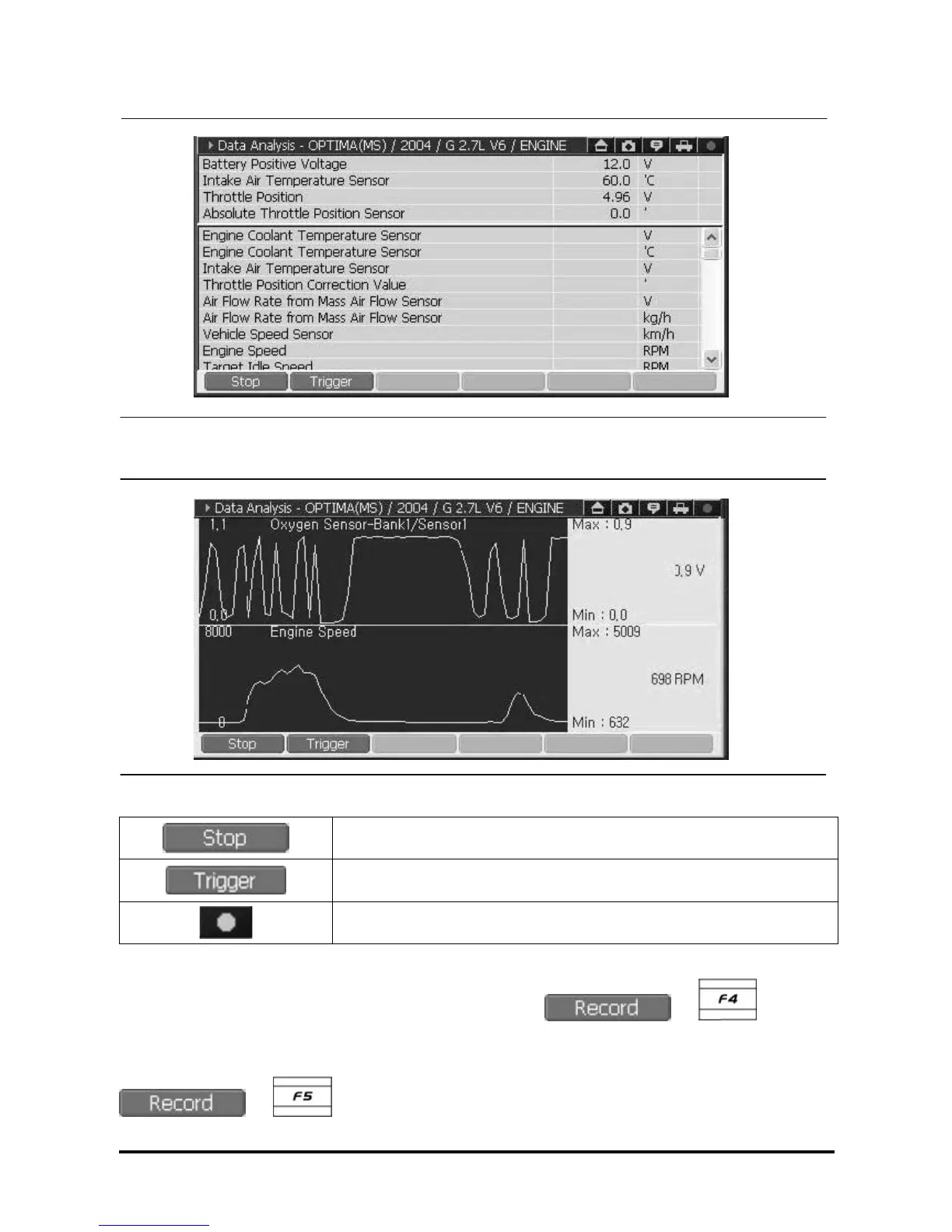
<Figure 8-1: Recording in text mode>
<Figure 8-2: Recording in graph mode>
Finishes recording data
Marks the moment of triggering during recording the data.
Recording check lamp. During recording data, it turns on in red. (Normal:
black, Record: red)
NOTE : Please refer to <A-04-009> for data record and how to use buttons.
NOTE : Record screen can be switched to graph mode by select
or buttons in
<Figure 6>.
NOTE : Recording function screen will be changed to full size screen and start recording when
or button is selected on dual diagnosis mode.



 To Next Page