D439E Service Manual 5. Service Tool
274
Record
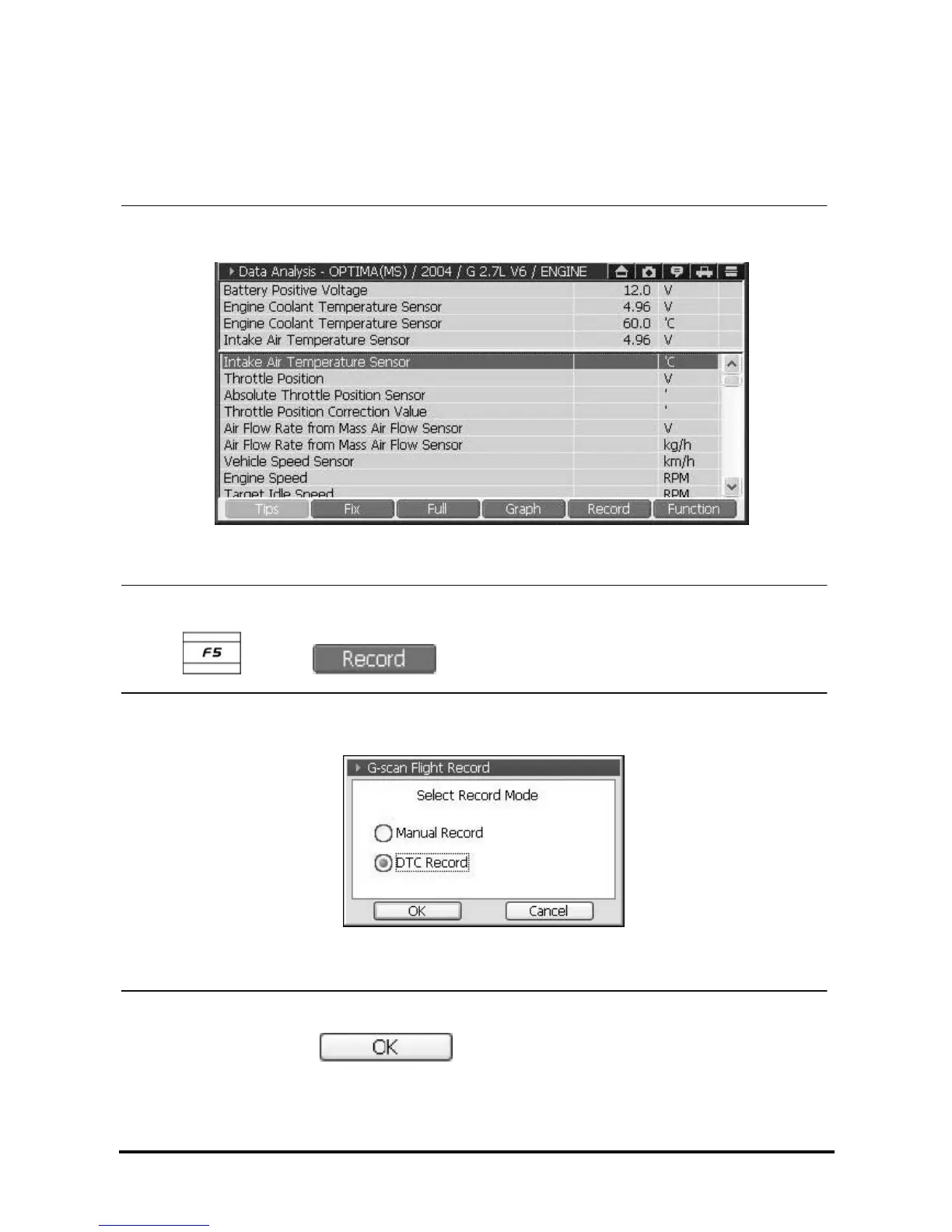
1. Users should fix the data before recording.
Please refer to “Fix” function in the Data Analysis chapter.
<Figure 6: Fixing record items before record>
2. Select
button or .
<Figure 7: Select record mode>
Select Record mode and click
button as in <Figure 7>. Then it will start recording data
as in <Figure 8-1> or <Figure 8-2> and recording status lamp on top right of the screen will be flickering.



 To Next Page