D439E Service Manual 5. Service Tool
273
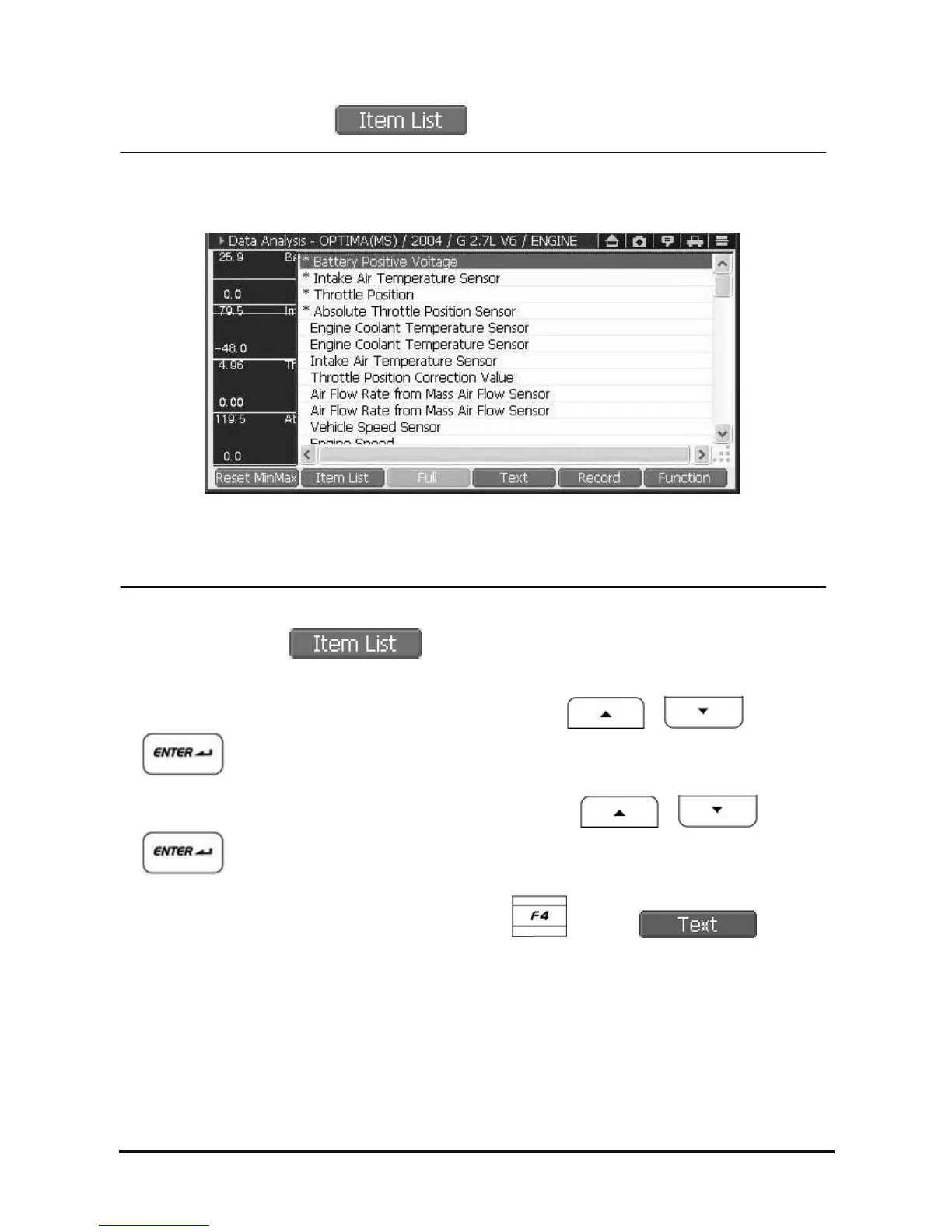
• Add/Delete the graph list using .
<Figure 5: Item List>
① In graph mode, select
, then Item List is shown as in <Figure 5>.
(The item having “*” mark among the List is currently displayed in graph mode.)
② Select the item to be deleted among the list in graph mode using
, and
buttons or using the stylus pen on the touch screen.
③ Select the item to be displayed in graph mode among the list using
, and
buttons or using the stylus pen on the touch screen.
④ If you want to check current data in text mode, press the
button or .
NOTE : The number of current data to be displayed in graph mode is 4 at most on single mode, and 2 on dual
mode.



 To Next Page