D439E Service Manual 5. Service Tool
278
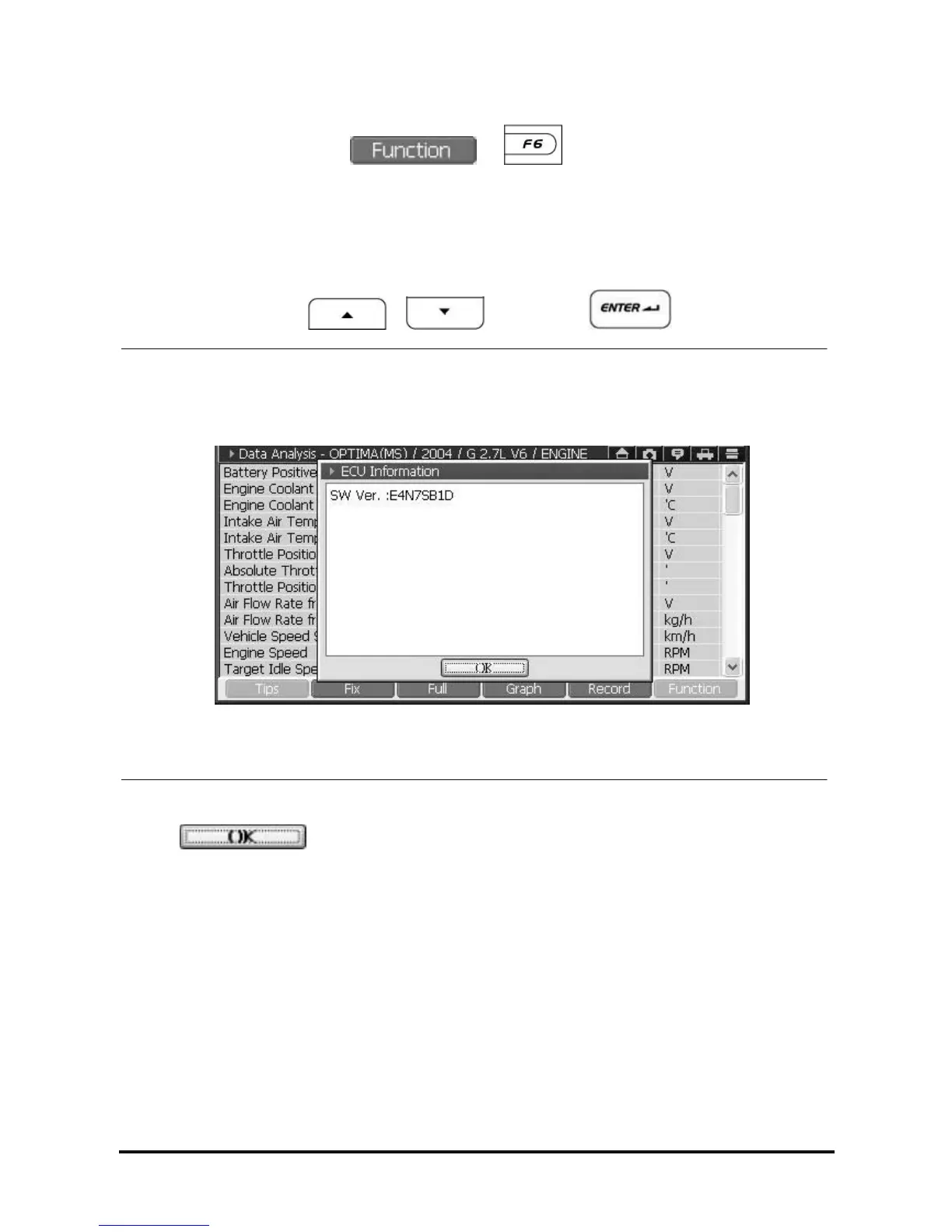
• Check the ECU Information
1. On Data Analysis screen, select or button, and then Function Menu will be
shown as in <Figure 9>.
2. On the function menu, select the “ECU Info”, then the ECU Information popup window as in <Figure 12> is
shown.
• Using the stylus pen, select it on the touch screen directly.
• Moving the cursor using
, and press the button.
<Figure 12: ECU Information>
3. Press
button at the bottom of the “ECU Information” to close the window.



 To Next Page