D439E Service Manual 5. Service Tool
310
NOTE
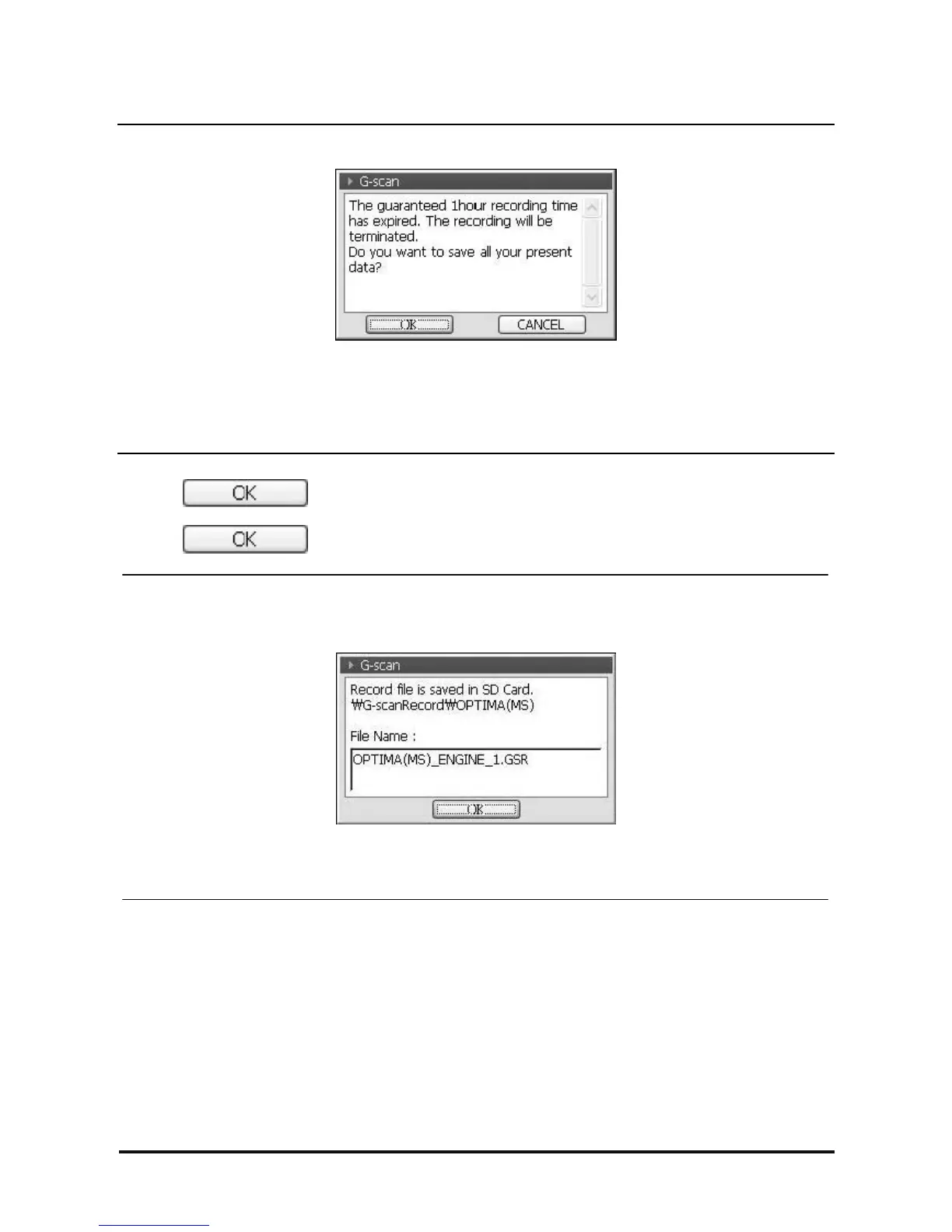
<Figure 8: Saving Stop Recording Pop-up in 1hr of Data Recording >
When data recording time reaches to 1 hour, the message as in <Figure 8> will be shown and the data
recording is stopped automatically.
If additional Data recording is required, save the currently recorded data and re-start the record mode.
3. Select in the data saving confirm window in <Figure 6>, additionally confirming window
for checking the data saving path and saving file name will be shown as in <Figure 9>.
Select , and the save mode is terminated.
<Figure 9: Data Recording Information Confirm>
Note: To change saved file name, please refer to the ‘How to change the file name’ in rear page.



 To Next Page