D439E Service Manual 5. Service Tool
311
Stop the Recording Data and Create the Data file in DTC Record Mode
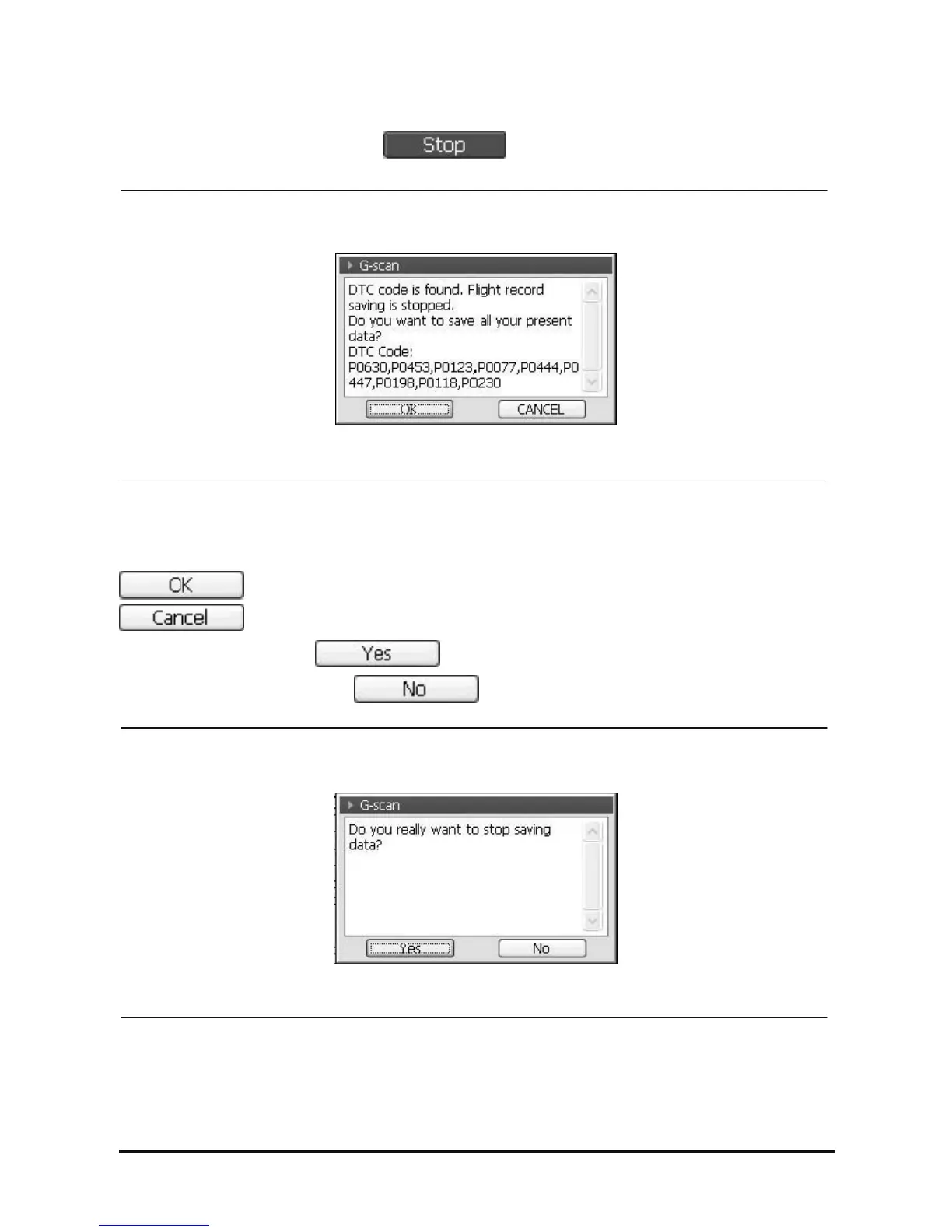
1. When DTC occurs or the user selects as in the manual mode, the window for confirming
the stop recording will be shown as in <Figure 10> or <Figure 6>.
<Figure 10: Saving Stop Message by DTC occurrence>
At occurring DTC, the recording is stopped and the pop-up window for confirming data saving as in <Figure
10> will be shown.
: Save the data using pop-up window as in <Figure 13>.
: The pop-up window for re-confirming the cancelling of data saving as in <Figure 11>.
Select in <Figure 11>, the recorded data will be deleted
(at selecting , return to <Figure 10>.
<Figure 11: Data Saving Cancel Re-confirm>



 To Next Page