D439E Service Manual 5. Service Tool
313
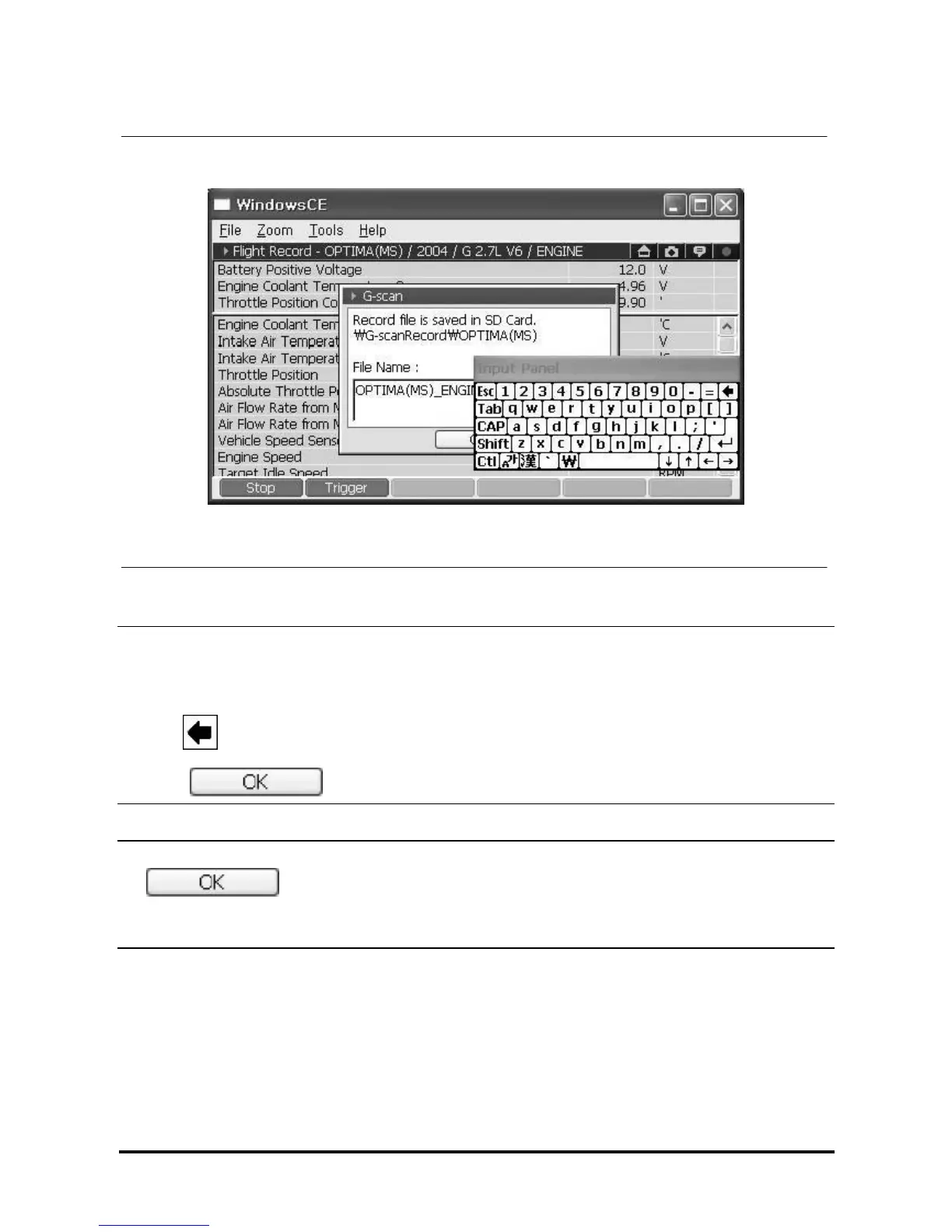
How to change file name
<Figure 14: Change the saving file name>
NOTE
How to change the file name
③ On the screen of <Figure 13>, select the region under the file name using stylus pen, then an Input Panel
is shown.
④ Using button in the Input Panel, delete the default file name.
⑤ Input new file name in the file name box using the Input Panel.
⑥ Select in <Figure 13>, the Flight Record file is saved.
NOTICE
• If is covered by the Input Panel, drag the upper side of the Input Panel using the stylus
panel, then you can move the Input Panel.
• H/W button does not support to change the file name. Use stylus pen only.



 To Next Page