D439E Service Manual 5. Service Tool
336
How to use PC Utility
Run the PC Utility
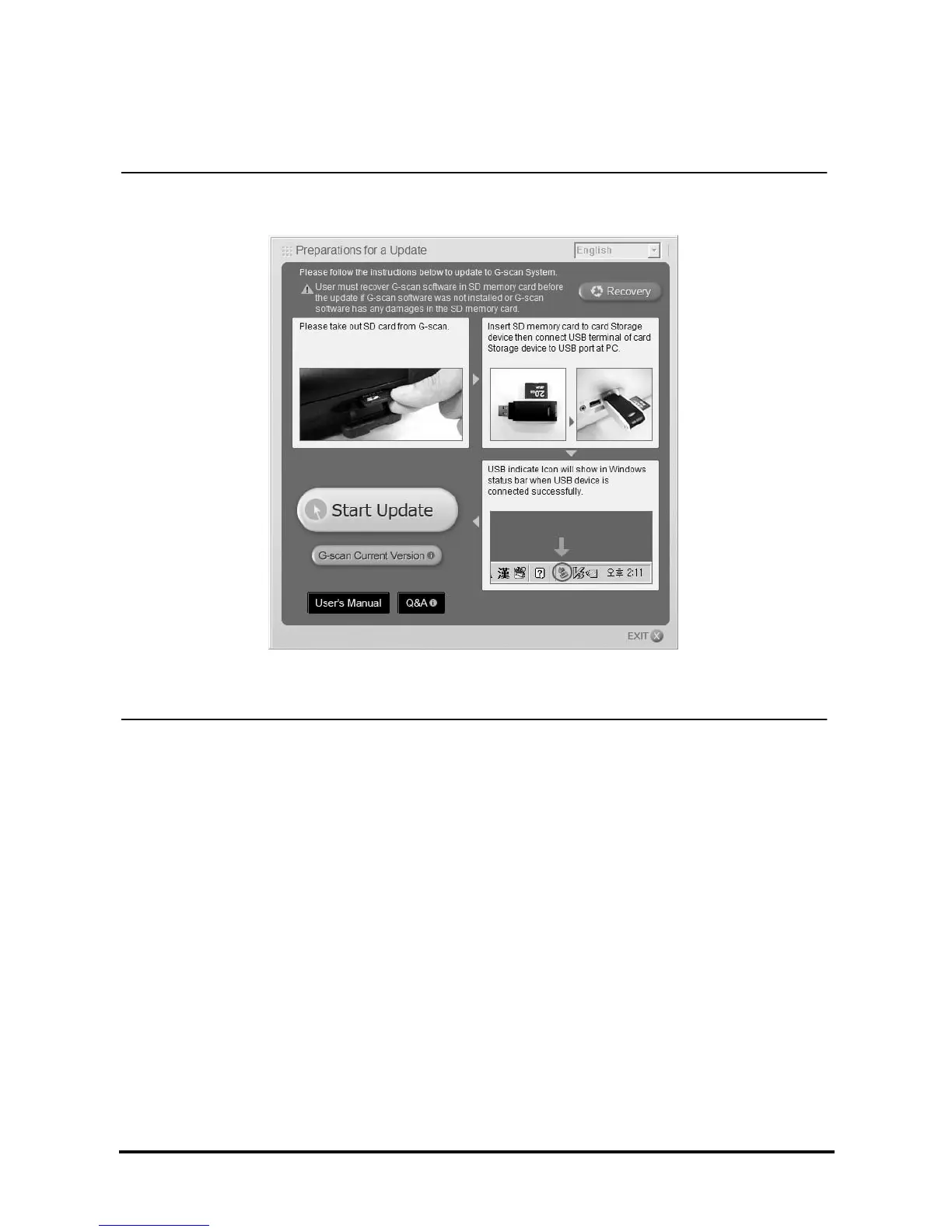
<Figure 2: PC Utility Main Screen>
Double click the PC Utility icon on the desktop to run. The main screen of the PC Utility will be shown as in
<Figure 2>.
NOTE : Your PC should be connected to internet prior to use PC Utility. Otherwise, it is restricted to use full
function of the PC Utility.
NOTE : The button having ⓘ mark on the PC Utility main screen can be used only when the internet is
connected.



 To Next Page