D439E Service Manual 5. Service Tool
337
Start Update
Performs the update so that G-scan maintains up to its latest version of O/S and data.
Method of G-scan update
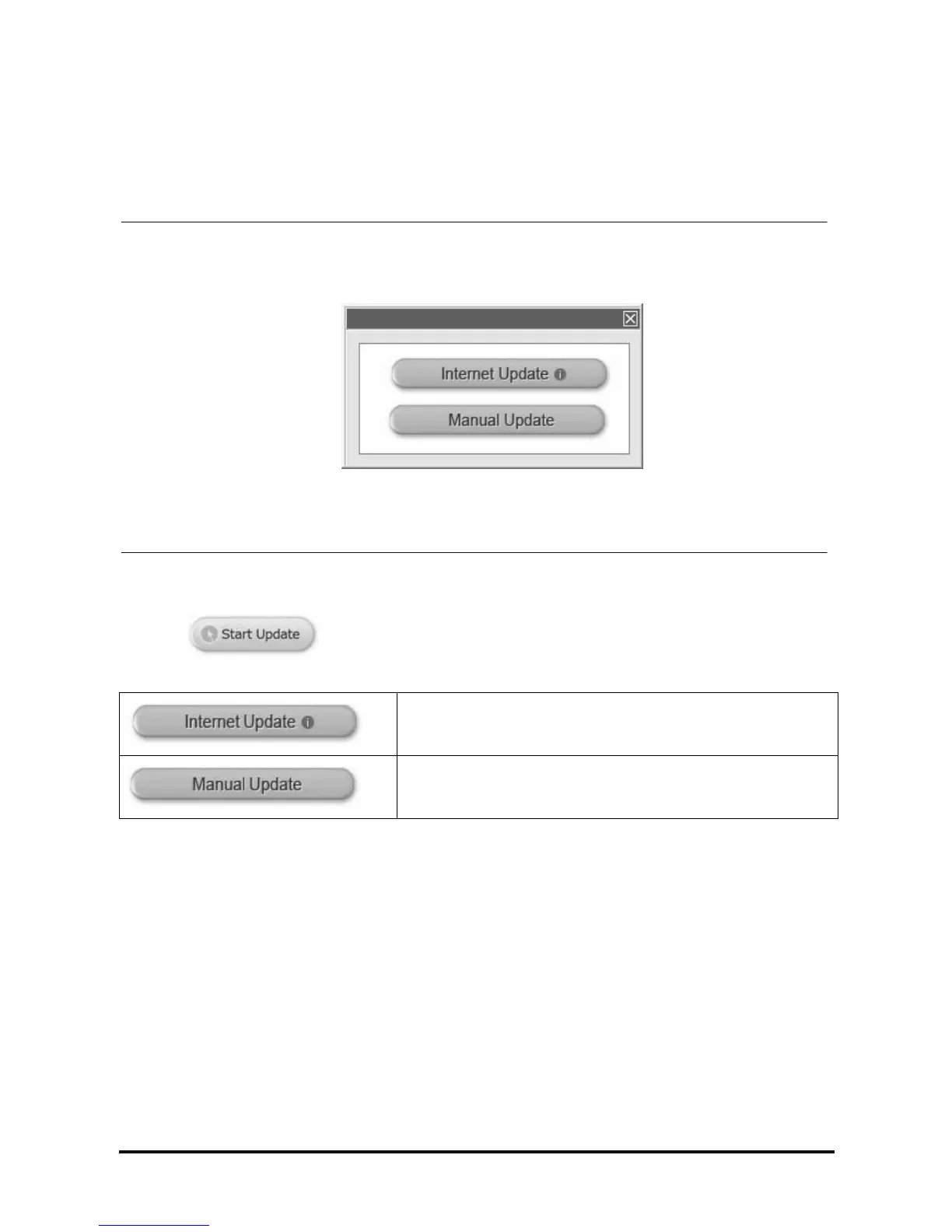
<Figure 3: Choosing the method to update>
Select on
the main screen of PC utility, pop up windows as <Figure 3> will be shown.
If PC is connected to the internet, G-scan can be updated by
lastest version file that downloaded from update server.
When internet update is not available, you can update it manually
by receiving update file (*.zip) through e-mail or through other
channels.



 To Next Page