D439E Service Manual 5. Service Tool
339
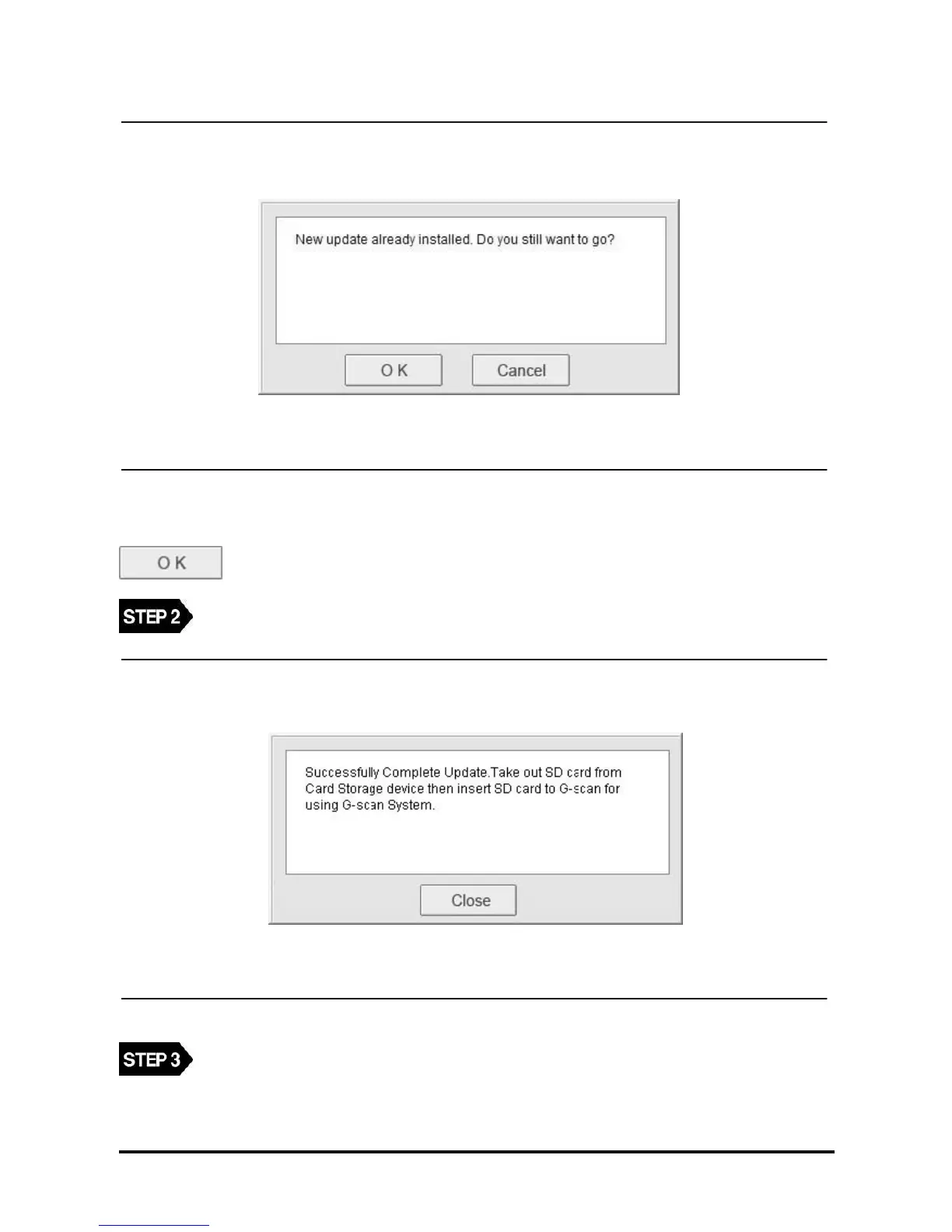
<Figure 5: Update Reinstall Message>
NOTE : When the latest version registered in G-scan Update server is the same with the version registered in
the SD card, the follow message will be shown. If you want to reinstall with the same version, select
.
When update file is downloaded, the following message will be shown.
<Figure 6: Upgrade Complete Message>
Press the “Close” button to close the message dialogue.
Insert the SD card into the memory slot of G-scan.



 To Next Page