D439E Service Manual 5. Service Tool
340
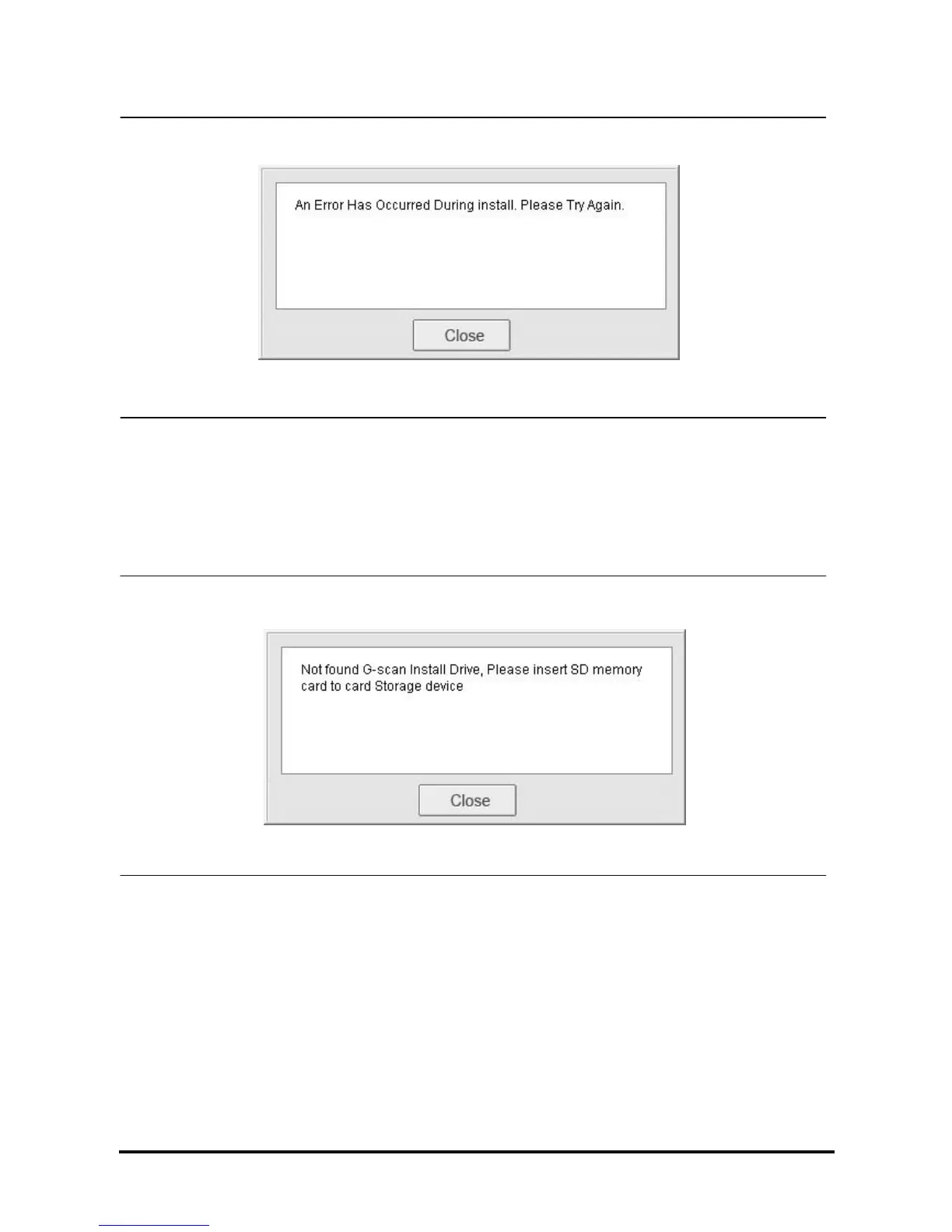
<Figure 7: Update Error Message>
1. Generated errors during updating
This is the message shown when error is occurred during Update.
Check if the drive of SD card is found. Run the Update function again.
<Figure 8: Update Drive Found Message>
2. When the target drive for G-scan Update cannot be found
This is the message shown when the drive installed with G-scan S/W cannot be found.
• When the SD card installed with G-scan is not connected to the PC through the Reader
→ Connect the SD card and retry.
• Even the SD card is connected to the PC through the Reader, G-scan SD card is accidentally formatted or
because it is a new one
→ Using “Recovery” function, recover the Data and retry.



 To Next Page