D439E Service Manual 5. Service Tool
345
Check Version
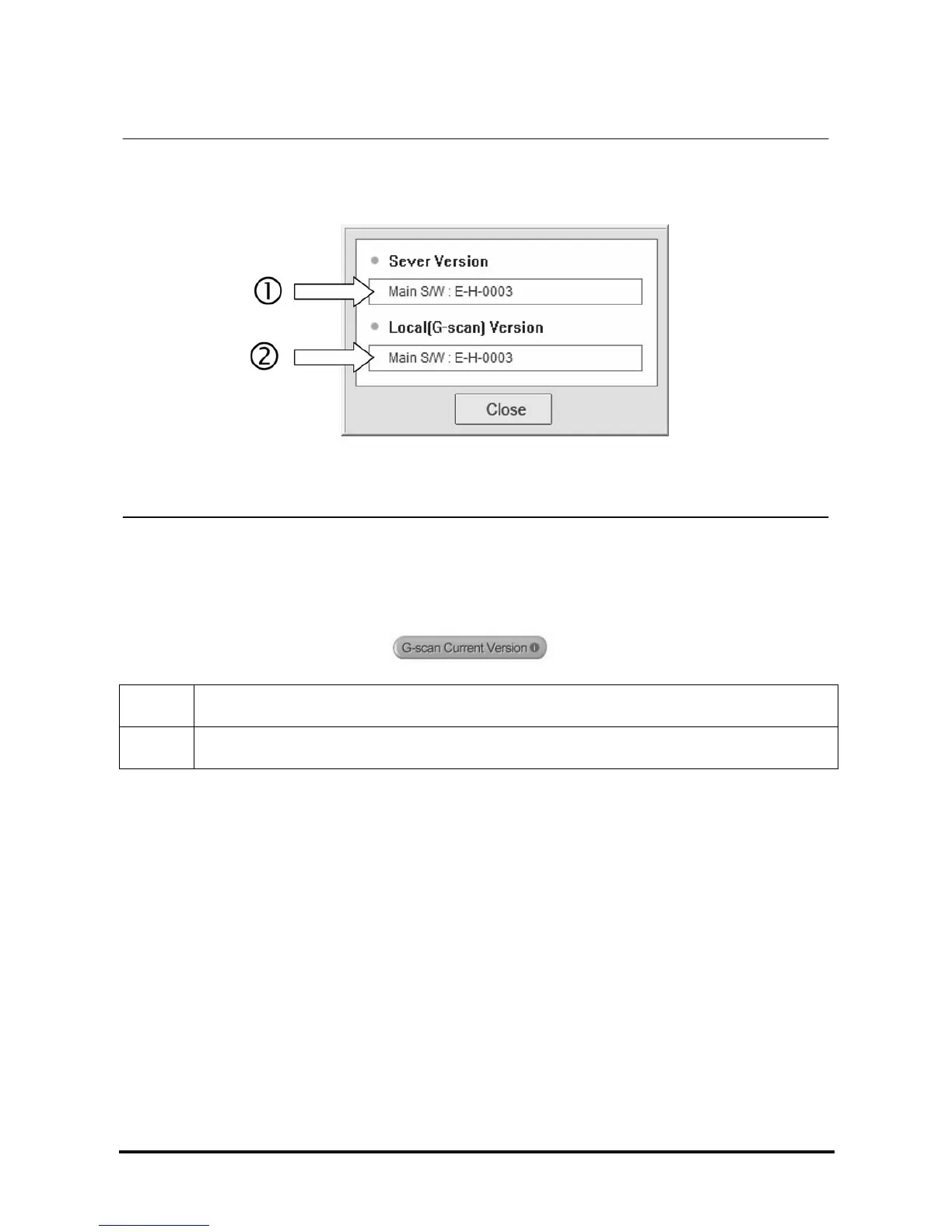
<Figure 14: G-scan Version Check Window>
This is the function for checking the latest version of G-scan S/W in the server and the current version (Local
Version) of G-scan S/W installed in SD card.
On G-scan PC Utility main screen, press
button.
① The latest version of G-scan S/W registered in the server.
② The version of the S/W installed in SD card of G-scan.



 To Next Page