D439E Service Manual 5. Service Tool
346
Data Viewer
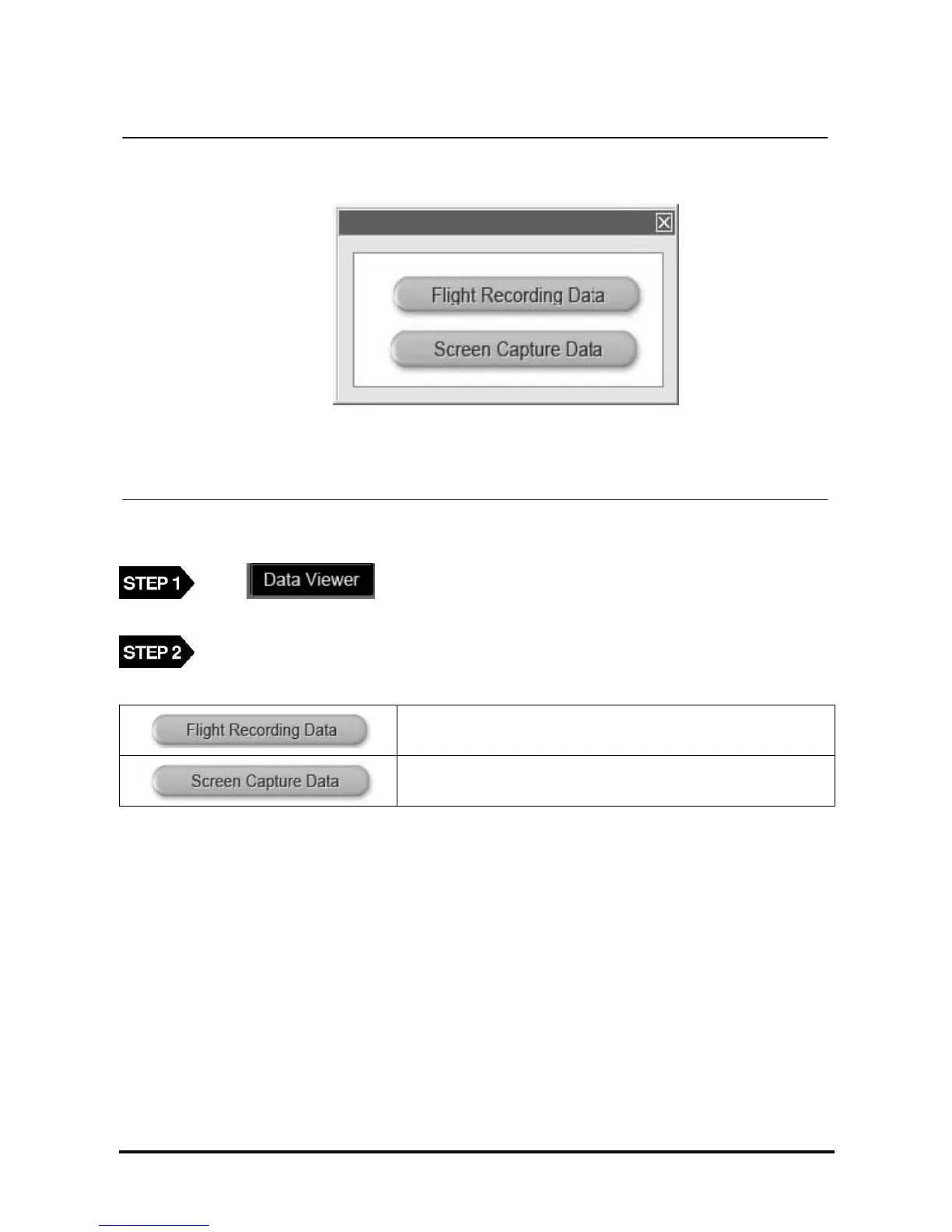
<Figure 15: Recorded Data selection>
When button is clicked from the PC Utility main screen, following pop up
screen will be displayed as shown in <Figure 15>.
From <Figure.15>, select the recorded data.
Function to review and analyze the recorded data from Flight
Record function.
Function to review the captured image from the Screen Capture
function.



 To Next Page