D439E Service Manual 5. Service Tool
359
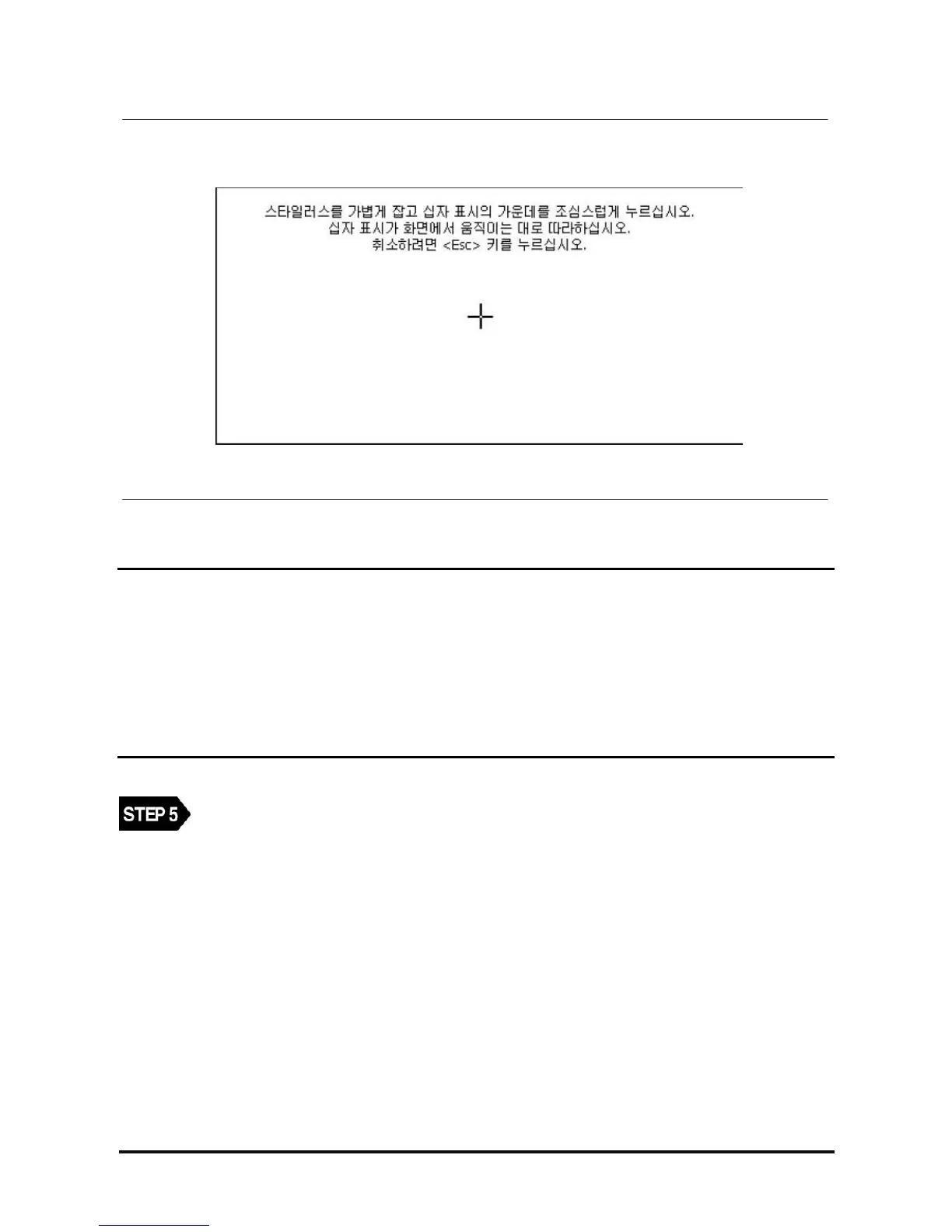
<Figure 6: Touch Screen Calibration Screen>
NOTE
Korean sentence in the box means.
Carefully press and briefly hold stylus on the center of the target.
Repeat as the target moves around the screen.
Since above screen comes right after OS updating it says in Korean as default.
After OS update, language should be configured again.
Select the center of (+) shown on the screen as in above screen using the stylus pen.
NOTE : Totally 5 positions are shown. Select the centers of all 5 (+) marks.



 To Next Page