D439E Service Manual 5. Service Tool
360
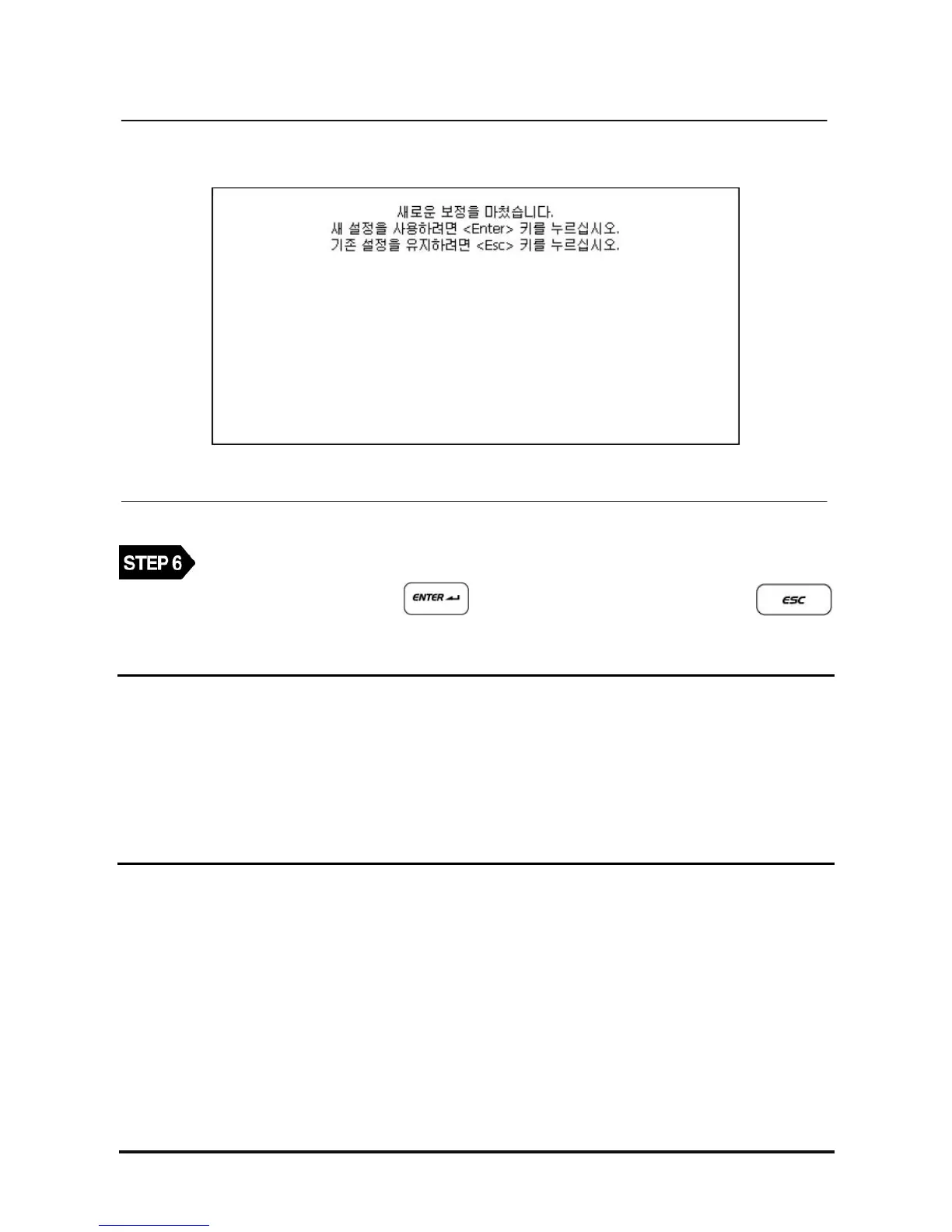
<Figure 7: Completing the Touch Screen Calibration >
After selecting all centers of 5 (+) marks, the message as in <Figure 7> will be shown.
To save the new setup, select
button. To keep the previous setup, press .
NOTE
Korean sentence in the box means.
New calibration setting have been measured.
Press the Enter Key to accept the new settings.
Press the Esc Key to keep the old settings.
After OS update, language should be configured again.



 To Next Page