D439E Service Manual 5. Service Tool
361
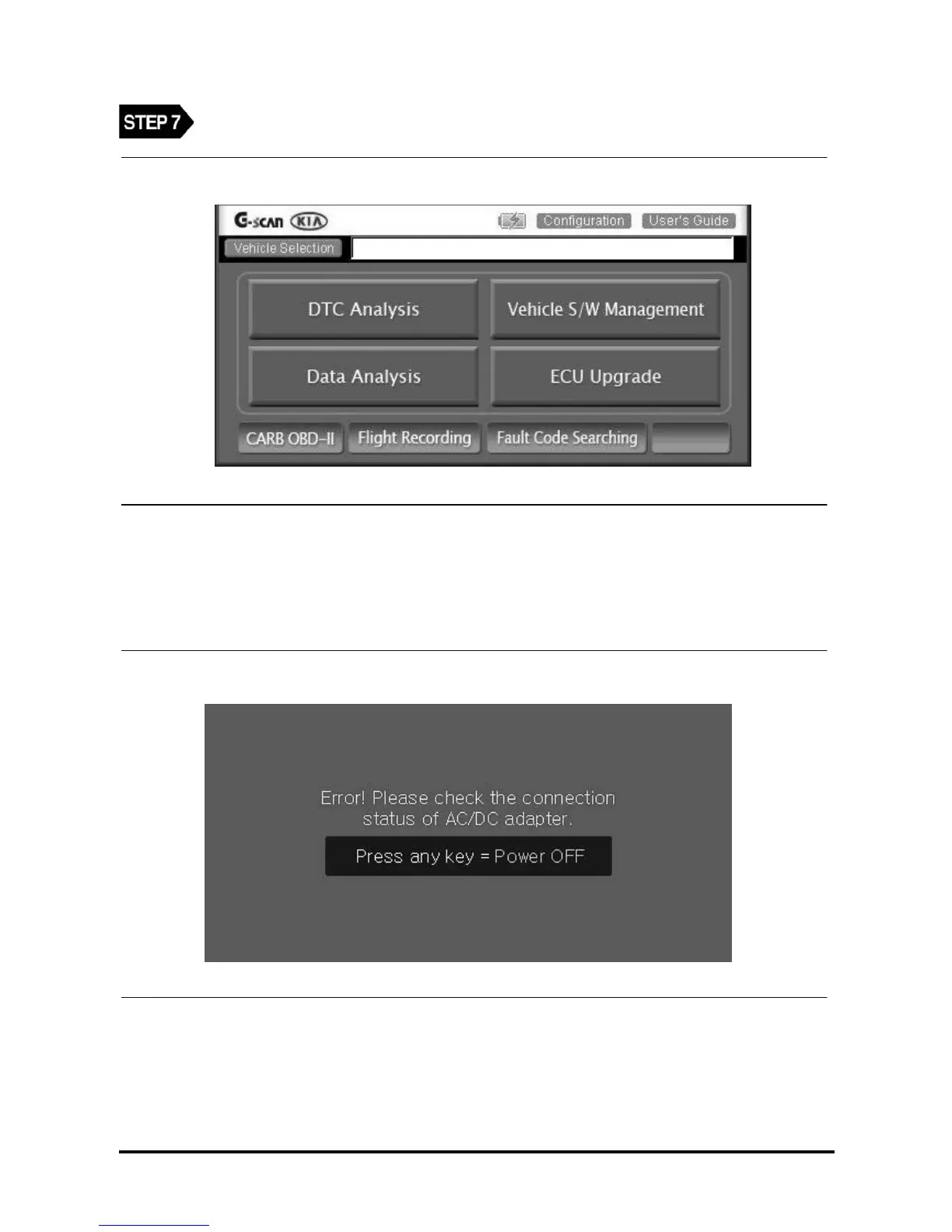
Main screen will appear automatically after O/S update is completed.
<Figure 8: Main screen will appear after O/S update >
◈ Error Message:
• When the external power is not connected
<Figure 9: When external power is not connected >
When the error message pop-up is shown, press Any Key, then the power of main module will be turned OFF
automatically.
After connection the external power using AC/DC adapter, retry previous steps.



 To Next Page