136
7
Exchanging Messages and Using Outlook
the location of the MMS server for you to be able to send and receive MMS
messages on your device.
When you purchase your device, it is already preset with your wireless
service provider’s MMS server setings. If you accidentally lost the preset
settings or you changed to another wireless service provider, follow the
steps below to configure MMS settings.
To configure MMS settings
1. Tap Start > Messaging.
2. Tap Menu > Tools > Options.
3. Tap MMS in the accounts list to configure settings. The MMS
Configuration screen appears.
4. In the Preferences tab, select or clear the provided check boxes
according to your needs. You can choose to keep track of your
MMS messages, retrieve messages immediately, accept or reject
messages, and request a delivery or read receipt. You can also specify
a resolution for images you send and message delivery attempts.
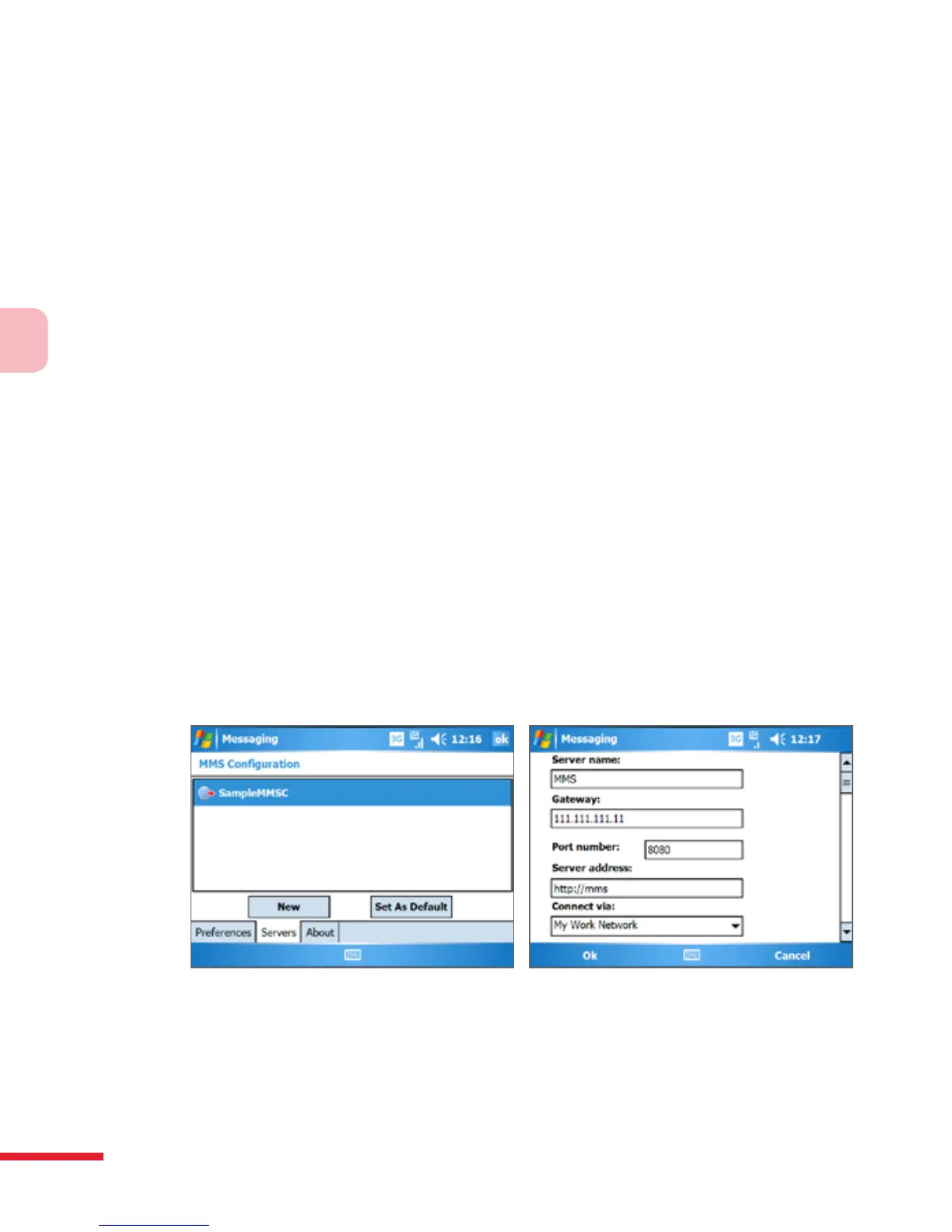
5. Tap the Servers tab and check if your device is preset with MMS
server settings.
If there are no preset settings, tap New and enter the following
information, which you can get from your wireless service provider:
• Server name. A descriptive name, such as your wireless service
provider name.
• Gateway. Location of the MMS server, which is usually in the form
of an IP address.



 To Next Page