50
3
Using Phone Features
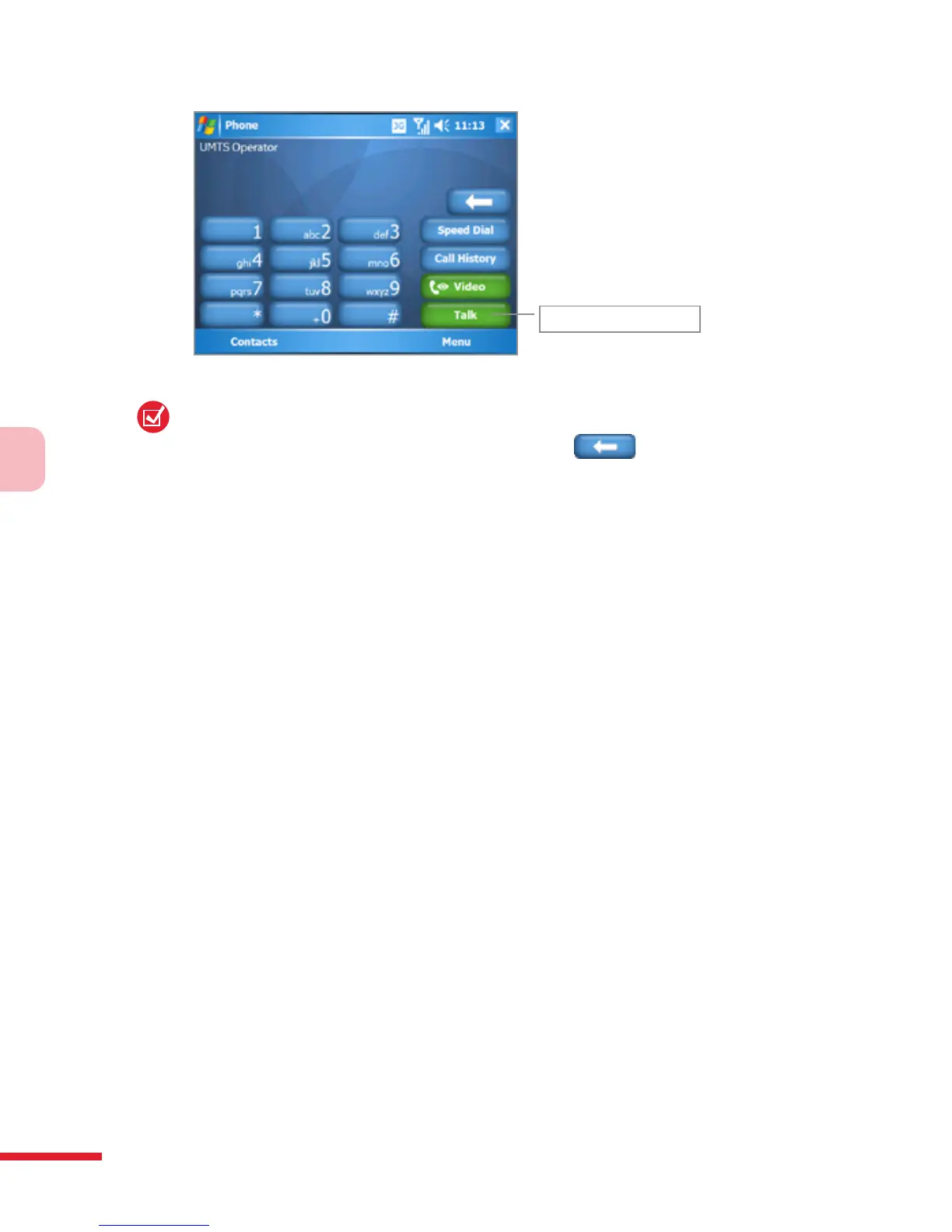
Talk button
Phone screen
Tip:
If you tap a wrong number, tap the Back arrow (
) to erase each ubsequent
digit of a number. To erase the entire number, tap and hold the Back arrow.
Make a call from Contacts
Tap Start > Contacts, then do one of the following:
• Tap the desired contact in the contacts list, and tap the phone
number that you want to call.
• Tap and hold the desired contact, and on the shortcut menu, tap Call
Work, Call Home, or Call Mobile.
To choose one of the numbers of a contact to dial
By default, the mobile telephone number (m) of a contact is dialed when
you make a call from Contacts. However, you can specify that a different
phone number is dialed instead.
1. Tap Start > Contacts.
2. Use the NAVIGATION CONTROL to select a contact.
2. Press NAVIGATION right or left. The letters representing the number
will change as you scroll through them.
Make a call from Call History
1. On the Phone screen, tap Call History.
2. You can either scroll through all calls in Call History, or tap Menu >
Filter and select from a category of call types.
3. Scroll to the desired contact or phone number, and tap Call.



 To Next Page