54
3
Using Phone Features
Swap Image options
Both parties
(My video small)
The other party's image is large
while your image is small. This is
the default setting.
Both parties
(My video large)
The other party's image is small
while your image is large.
Both parties (equal)
Both your image and the other
party appear the same size.
Other party only
Only the other party's image is
displayed.
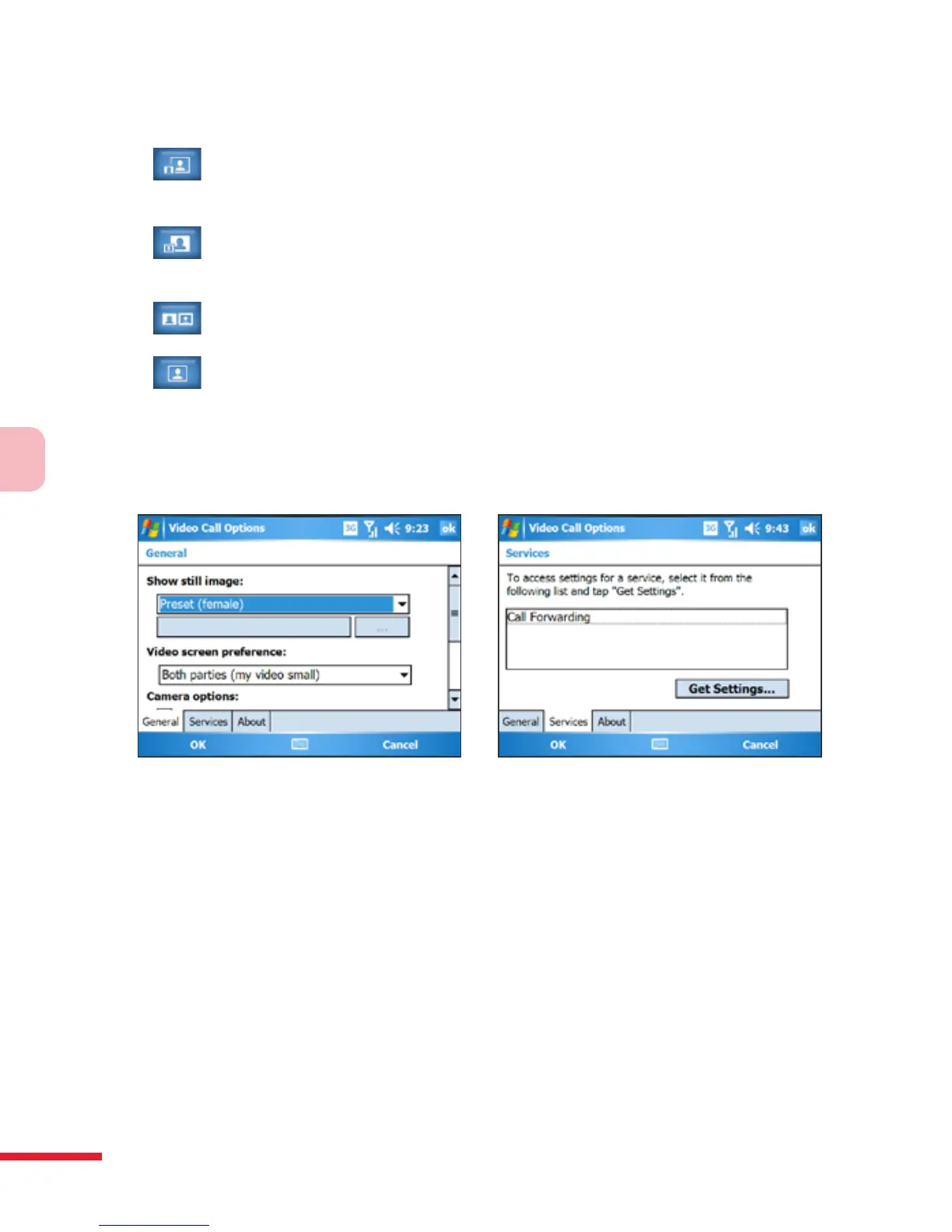
Set up video call options
On the Phone screen, or on the screen of the ongoing video call, tap Menu
> Video Call Options. You can set the following options:
Video Call Options: General tab Video Call Options: Services tab
General tab
• Show still image. Select the image you want to display when you
turn o the camera.
• Preset (female). Displays a female picture provided by your
service provider.
• Preset (male). Displays a male picture provided by your service
provider.



 To Next Page