172
9
Experiencing Multimedia
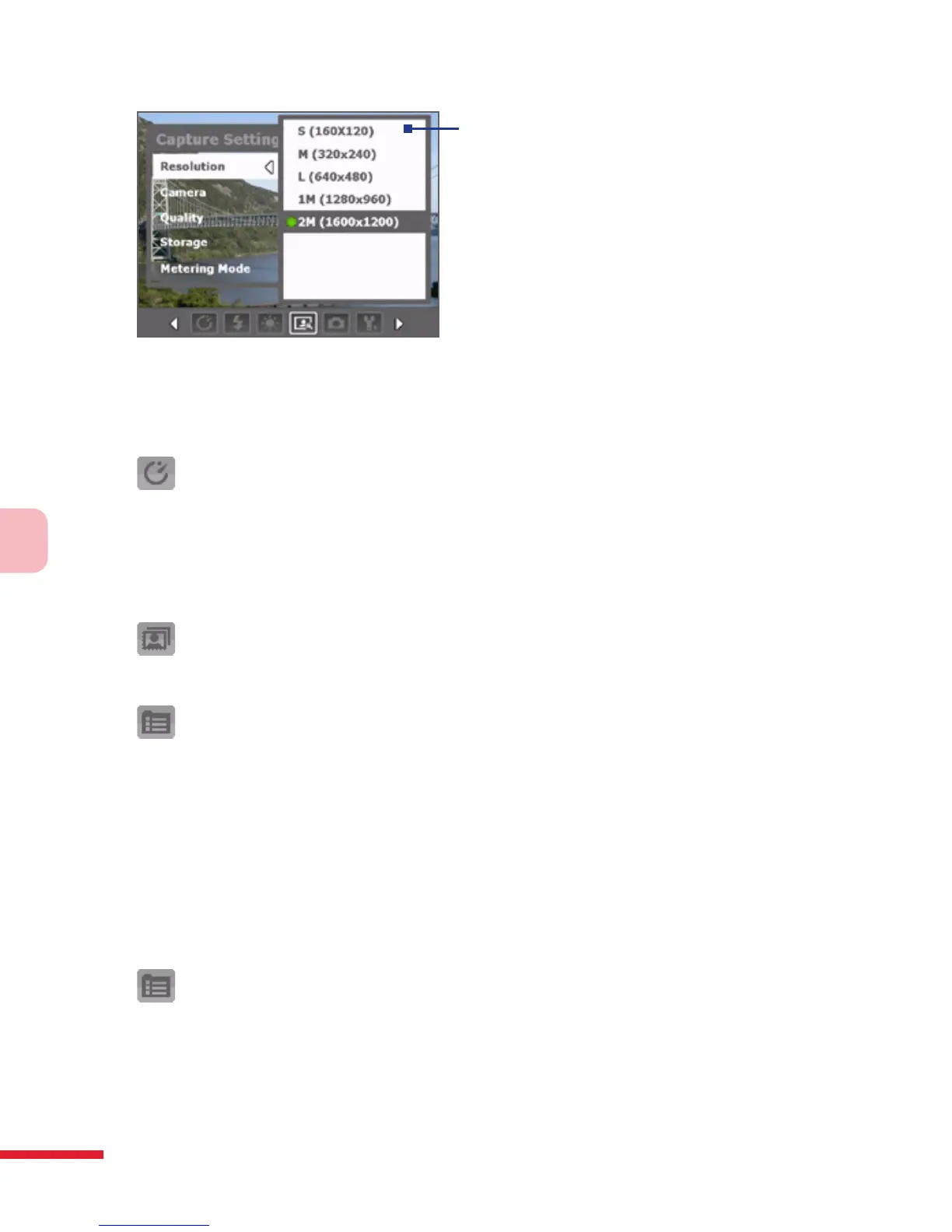
3
3 Tap or press the CENTER OK
button to select a setting and
close the submenu.
Alternatively, press NAVIGATION
up/down to select a setting, then
press NAVIGATION left to close
the submenu.
For more information about the different menus and settings, see the
succeeding sections.
Self-timer menu
• Self-timer. Select the Self-timer option for capturing images: Off, 2
seconds, or 10 seconds. Selecting 2 seconds or 10 seconds delays the
capturing by the specied time after you press the CAMERA button or
the CENTER OK button.
Template menu
• Template. Select a template (in Picture Theme mode only).
Panorama Settings menu
• Direction. Choose in what direction images will be stitched in a
panorama.
• Stitch Count. Select the desired number of snapshots to be taken and
stitched into a panorama.
• Auto Stitch. When the Auto Stitch is On, the camera automatically
stitches snahpshots into one single le. If Auto Stitch is Off, the
snapshots are saved as separate les.
Sports Settings menu
• Snapshots. Select the number of consecutive shots to capture.



 To Next Page