26
1
Getting Started
11 Indicates the battery status. Tap to open the Power Settings screen.
12 Tap to toggle the screen between portrait and landscape orientation.
13 Tap to open Calendar..
14 Tap to open the Backlight Settings screen.
15 .Tap to open QuickGPS
16 Tap to open Connections.
17 Tap to open Contacts
18 Tap to open Comm Manager
19 Tap to open TV Out
Indicators
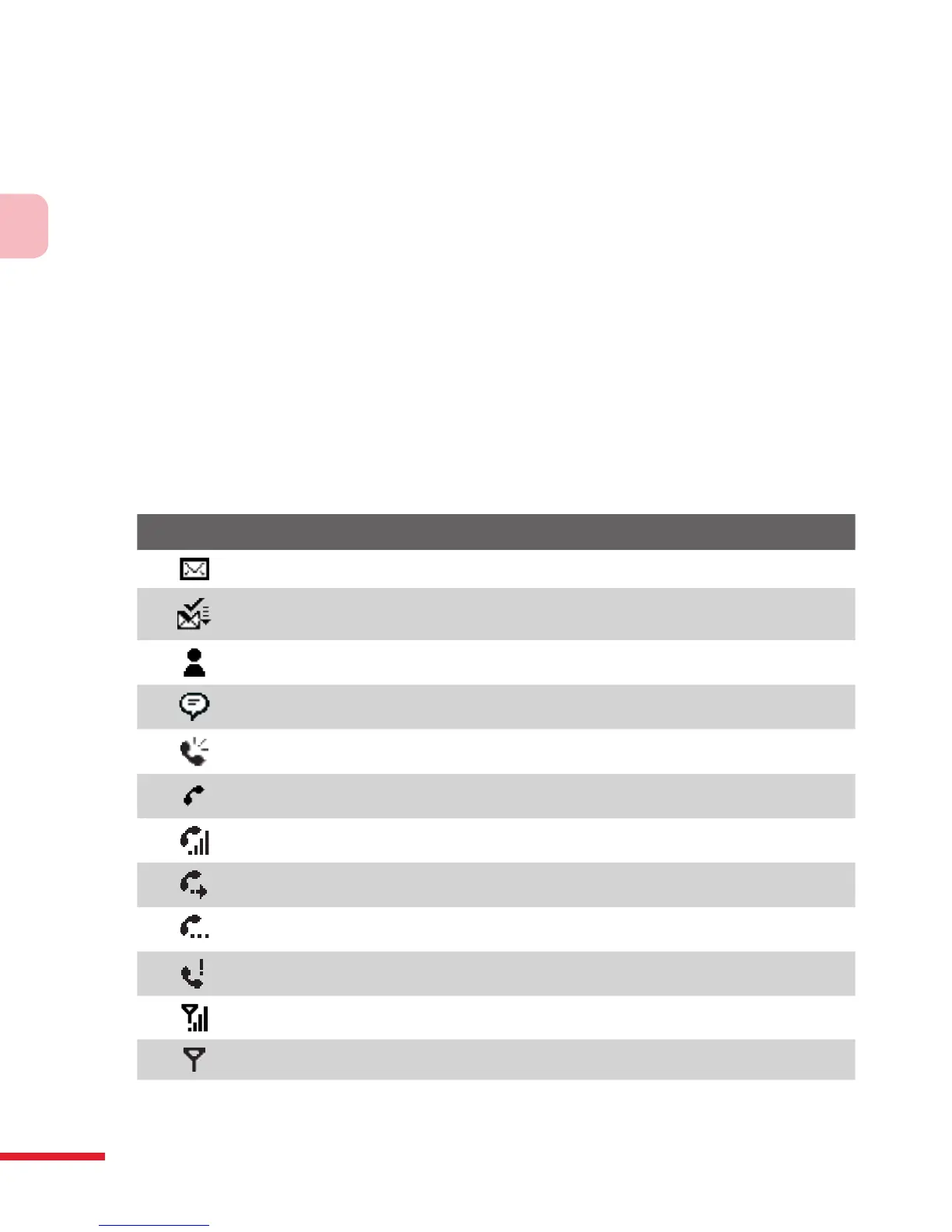
The following are some of the status icons that you may see on the device.
Icon Description
New e-mail or text messages; SMS notification of voice mail
New multimedia (MMS) message
New MSN message
There are more notifications. Tap the icon to view all.
Speakerphone on
Dialing while no USIM/SIM card is inserted
Voice call in progress
Calls are forwarded
Call on hold
Missed call
Maximum signal strength
No signal



 To Next Page