34
1
Getting Started
Icon Description
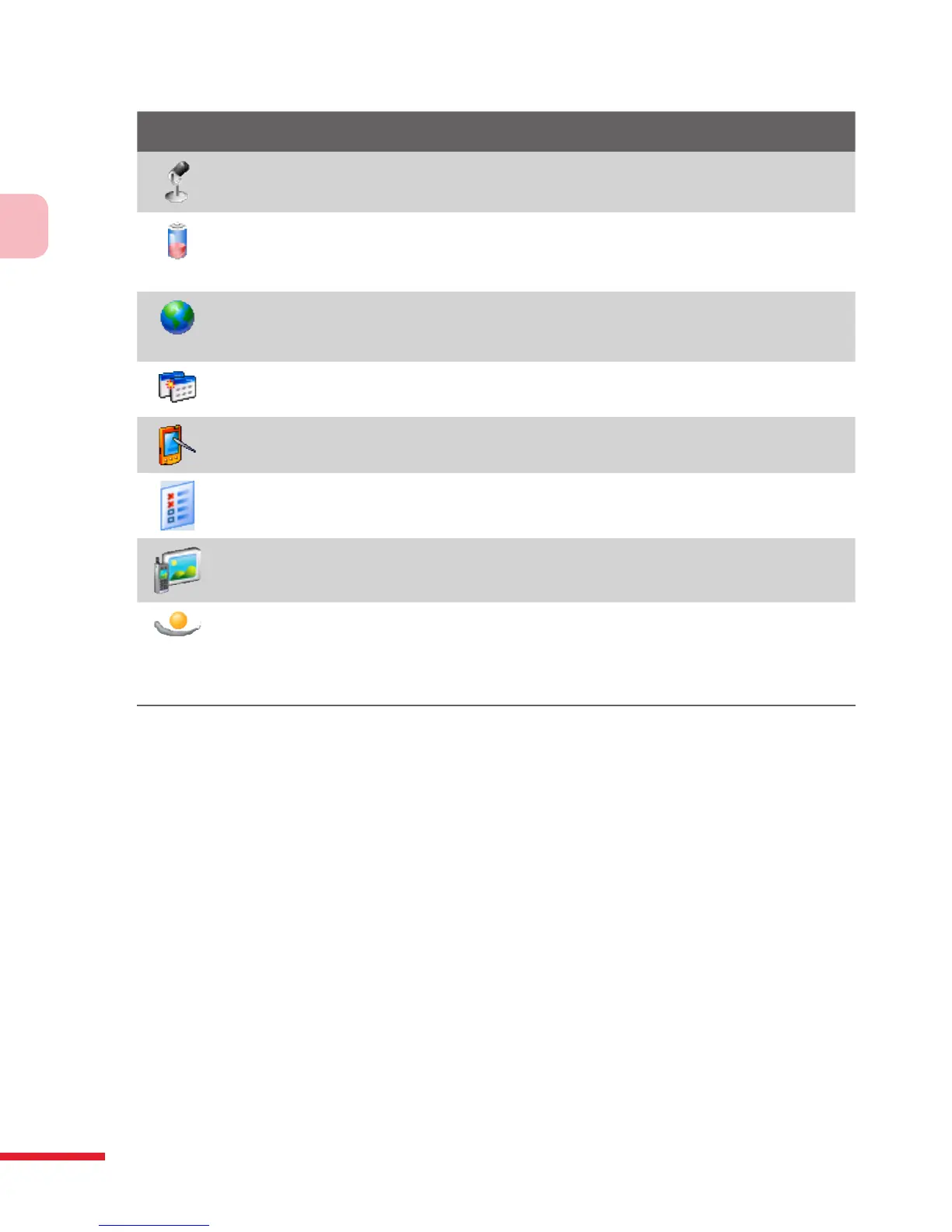
Microphone AGC Adjusts the volume of your voice automatically when
you are recording.
Power Shows the current battery level. Also allows you to set the
timeout for turning off the display (switching device to Sleep mode) to
conserve battery power.
Regional Settings Sets the regional language to use and the format for
displaying numbers, currency, date, and time on your device.
Remove Programs Lets you remove programs that you installed on
your device.
Screen Allows you to change the screen orientation, re-calibrate the
screen, and change the screen text size.
Task Manager Enables the “X” button to end running programs.
TV Out Allows you to output the contents you are viewing on the device
screen to an external display device.
VueFLO Opens the VueFLO settings where you can adjust the sensitivity
level of VueFLO and choose the Web browser where VueFLO can be
enabled. VueFLO lets you scroll through Web pages by simply tilting your
device. In VueFLO, tap Tutorial to learn how to use VueFLO.



 To Next Page