16 Supplement | Area Control Unit
Operating concept
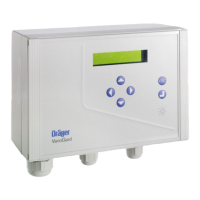
Cumulated measured values of the volume flow are displayed on the VoluCount
display unit.
5.3.2 Status bar
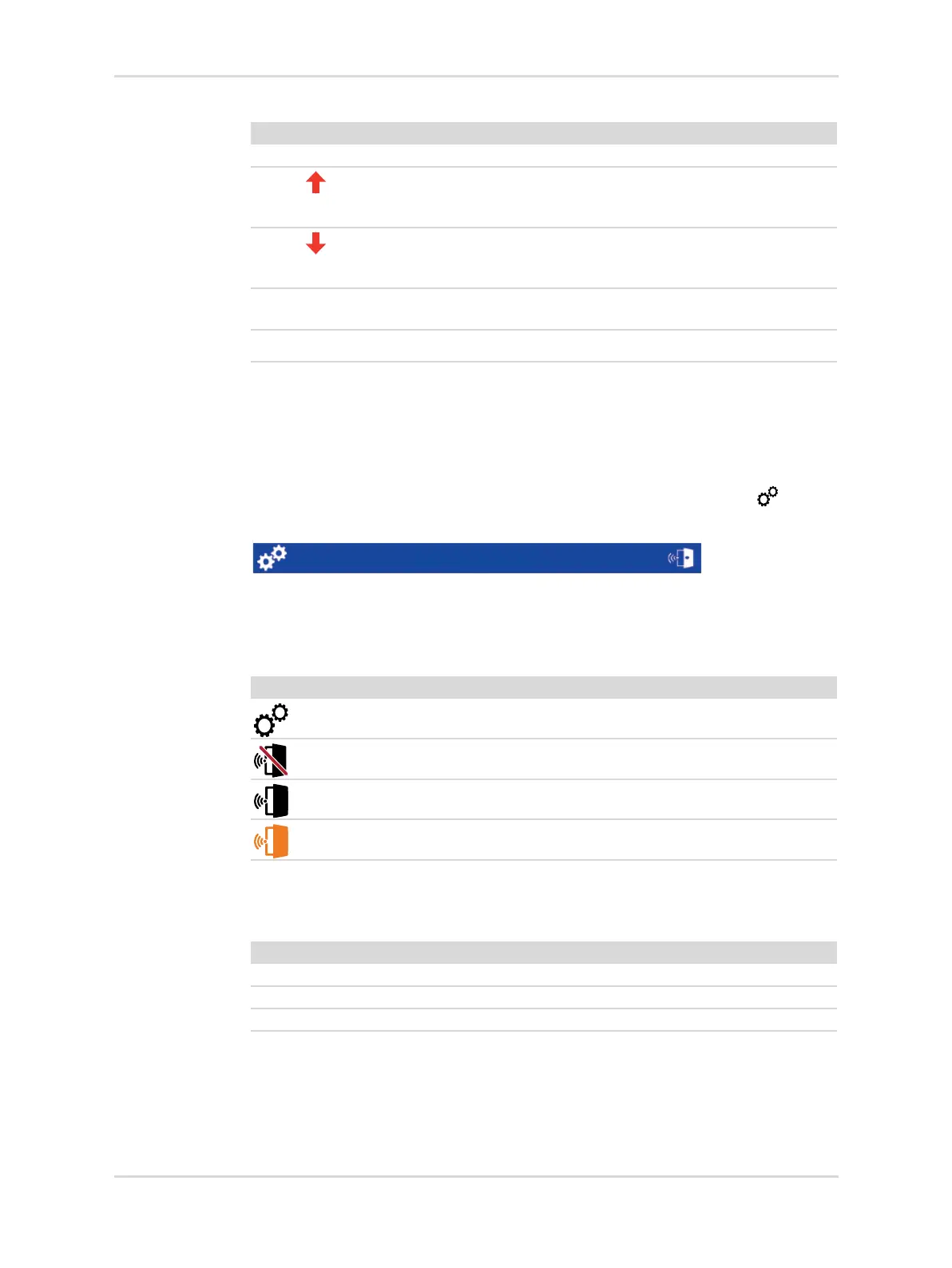
The status bar provides information on the general status and the status of the door
opening alarm. Furthermore, specialized service personnel can use the symbol
to configure the area control unit.
5.3.2.1 Symbols
Touching the buttons will open the corresponding dialogs and allow functions to be
enabled.
5.3.2.2 Status display
The status display shows the operating status of the area control unit.
Color Symbol Explanation
Blue The measured pressure is within the tolerance.
Red
Flashing
The measured pressure is above the tolerance
>20 % for medical gases and
>–0.34 bar for vacuum.
Red
Flashing
The measured pressure is below the tolerance
<20 % for medical gases and
<–0.34 bar for vacuum.
Gray No measuring device for monitoring the volume flow of the
relevant gas is installed.
Blue The digital display is not receiving any valid data.
---
50361
Symbol Explanation
Configuration menu
Door opening alarm muted
Door opening alarm enabled
Door open alarm triggered
Operating status Explanation
Status: OK No active alarms.
Status: Alarm There is at least one active alarm.
Status: COM error The digital display is not receiving any valid data.



 To Next Page