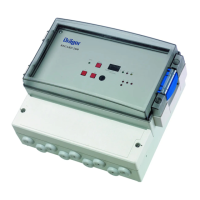
Supplement | Area Control Unit 17
Operation
6 Operation
WARNING
Risk if assembly is not performed properly
An improperly mounted device may compromise the safety of patient care and
endanger the user. Before the device is handed over to the operator, the proper
functioning of the system must be proven by the acceptance test. This verifies
compliance with national regulations.
► The equipment must be approved before commissioning the system and after
installing the components.
► If the test fails, the medical devices must not be put into service.
6.1 Alarms
6.1.1 Door opening alarm
When the door is opened or unlocked, the integrated door contact triggers the door
opening alarm. The alarm comprises a visual and an audible alarm signal.
When the area control unit is connected to an external monitoring system or the
Dräger Alarm Management System, the alarm signals of the door opening alarm
are transmitted to that system.
Display
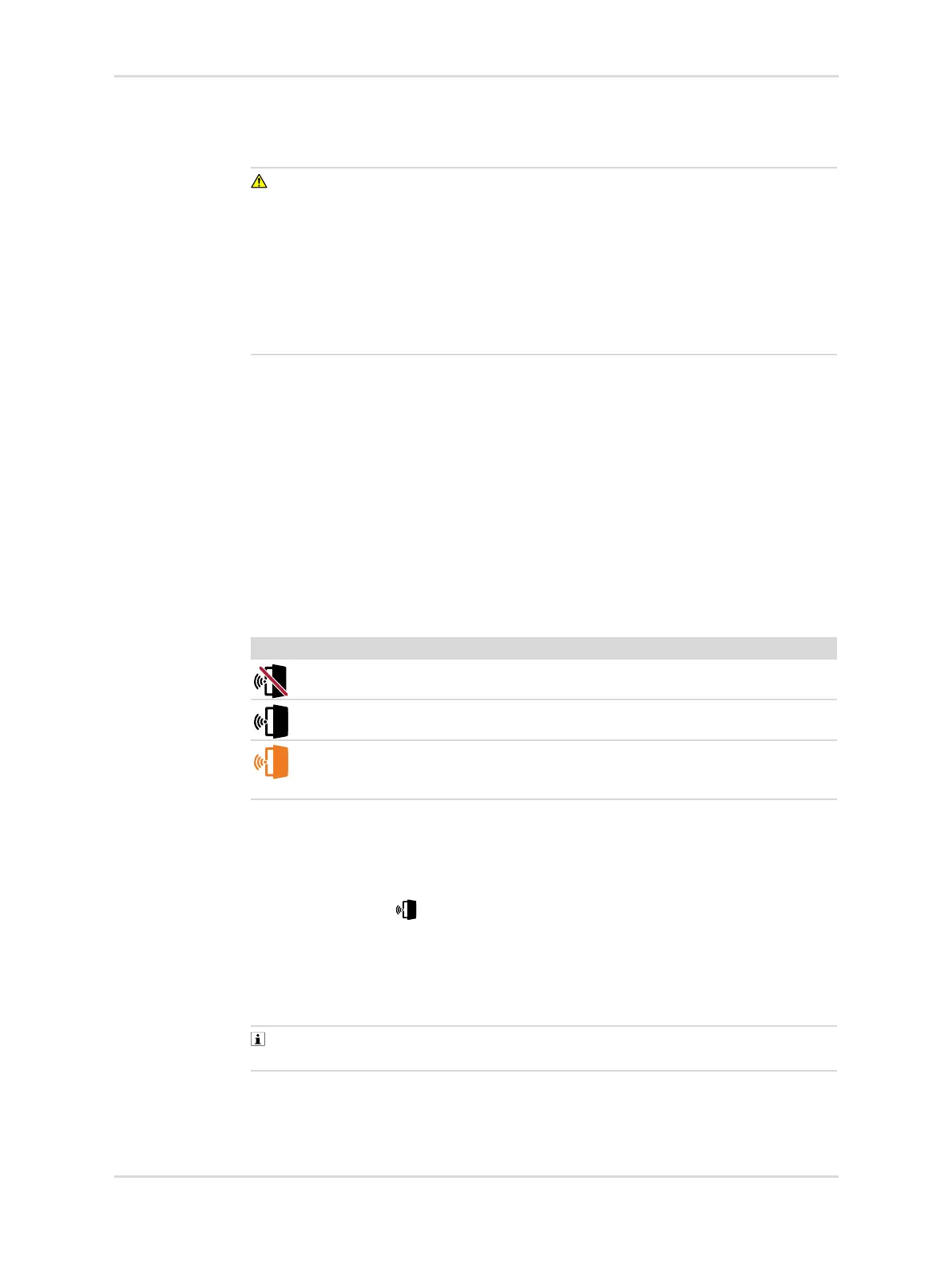
The door opening alarm has the following display notifications:
Muting the door opening alarm
When it becomes necessary to open the door for operational purposes, the door
opening alarm can be temporarily muted. The alarm silence function will disable the
acoustic alarm signals and the transmission of the alarm.
1. Touch the button .
2. Enter the user password. For further information see: "Password", page 37.
3. Confirm the information on the screen.
✓ The door opening alarm is muted.
The alarm can also be muted when the door is already opened.
In case of an active pressure alarm, the acoustic alarm signal of the door
opening alarm is automatically disabled.
Symbol Explanation
Door opening alarm muted
Door opening alarm enabled
Flashing
Door open alarm triggered



 To Next Page