W
W
e
e
b
b
U
U
s
s
e
e
r
r
I
I
n
n
t
t
e
e
r
r
f
f
a
a
c
c
e
e
I
I
I
I
I
I
-
-
1
1
-
-
1
1
W
W
i
i
r
r
e
e
l
l
e
e
s
s
s
s
W
W
i
i
z
z
a
a
r
r
d
d
The wireless wizard allows you to configure settings specified for a host AP (for home use or
internal use for a company) and specified for a guest AP (for any wireless clients accessing
into Internet).
Follow the steps listed below:
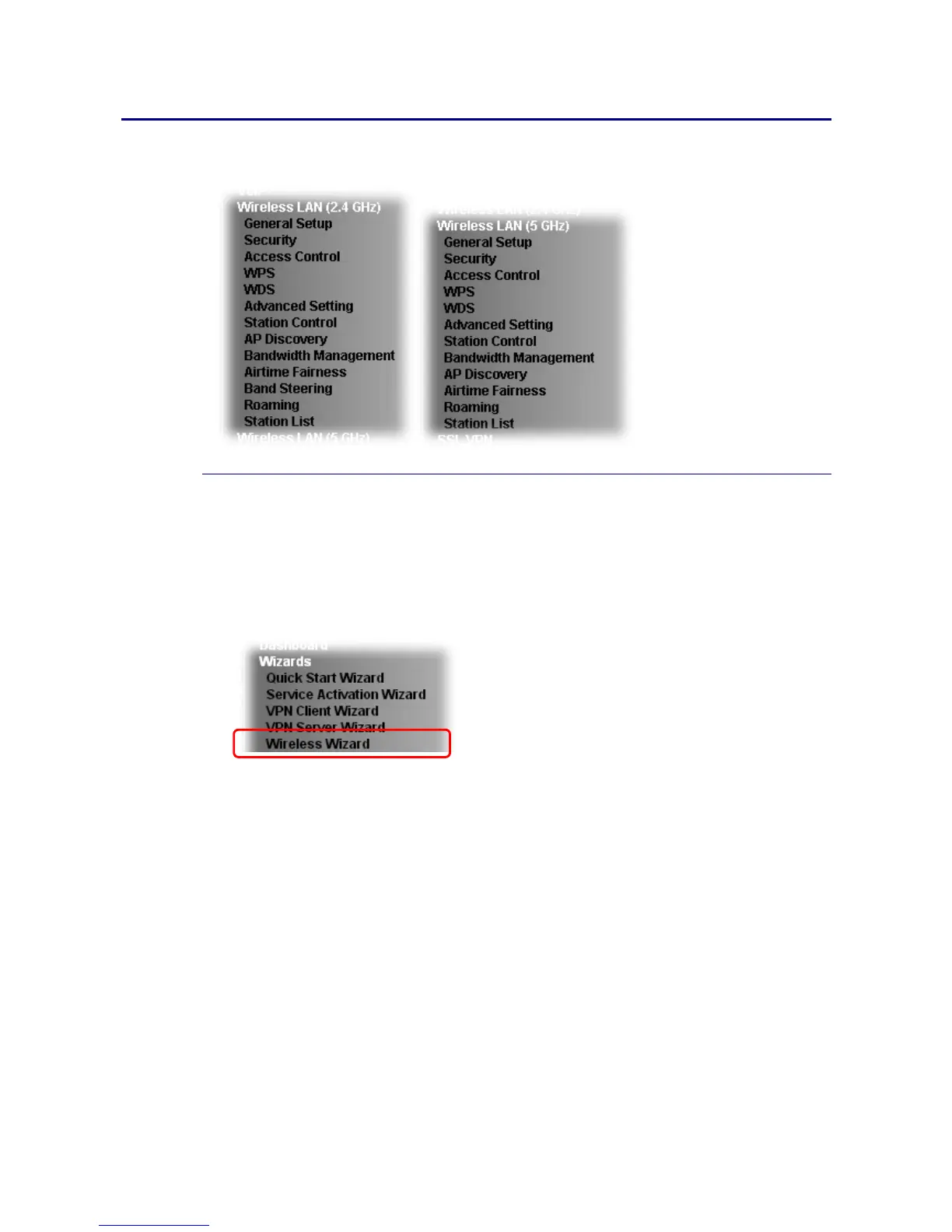
1. Open Wizards>>Wireless Wizard.
2. The screen of wireless wizard will be shown as follows. This page will be used for internal
users in a company or your home. Besides, the settings will change based on different
model of Vigor2133 series. In this case, Vigor2133ac is used as an example.















 To Next Page