I
I
-
-
5
5
D
D
a
a
s
s
h
h
b
b
o
o
a
a
r
r
d
d
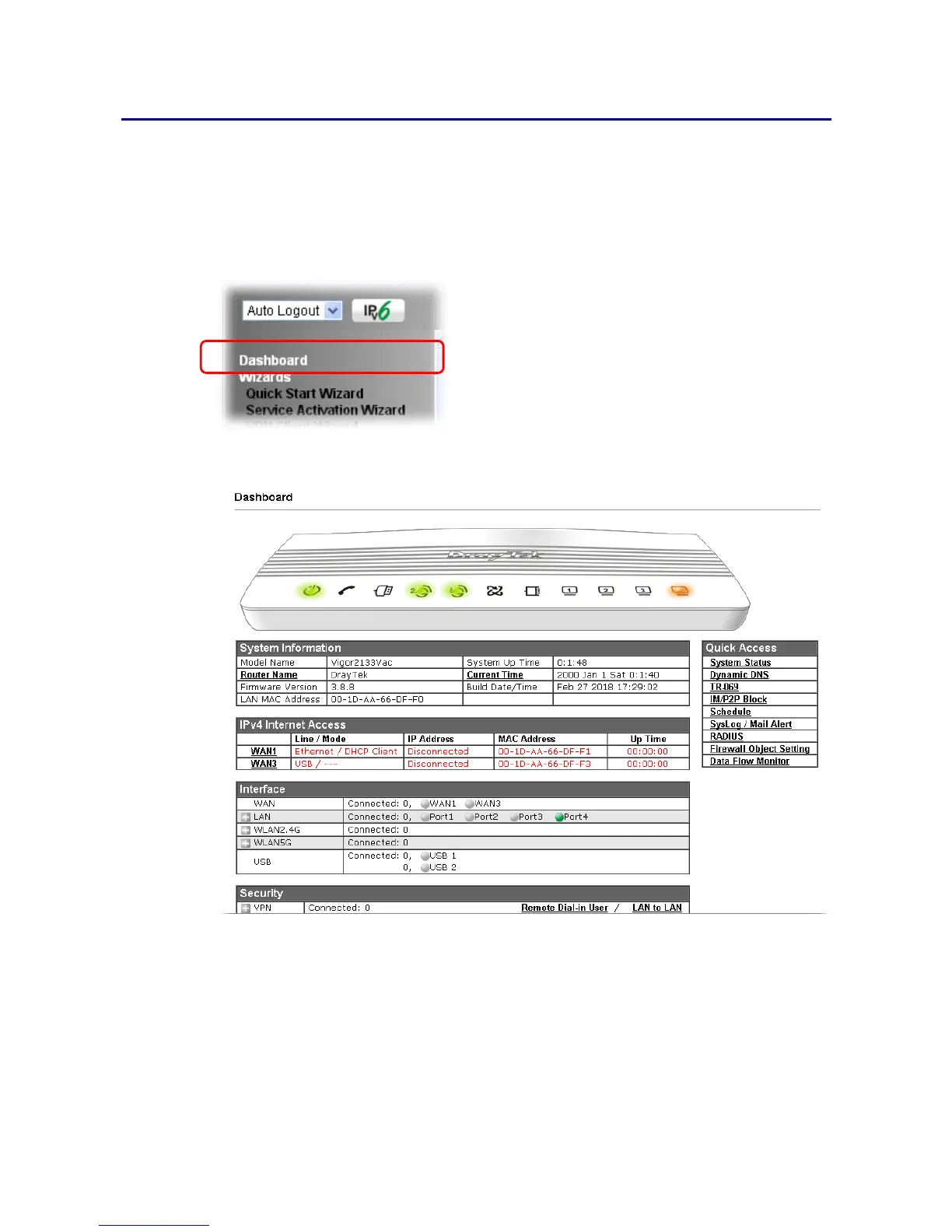
Dashboard shows the connection status including System Information, IPv4 Internet Access,
IPv6 Internet Access, Interface (physical connection), Security and Quick Access.
Click Dashboard from the main menu on the left side of the main page.
A web page with default selections will be displayed on the screen. Refer to the following
figure:















 To Next Page