I
I
I
I
I
I
-
-
1
1
-
-
1
1
4
4
S
S
t
t
a
a
t
t
i
i
o
o
n
n
L
L
i
i
s
s
t
t
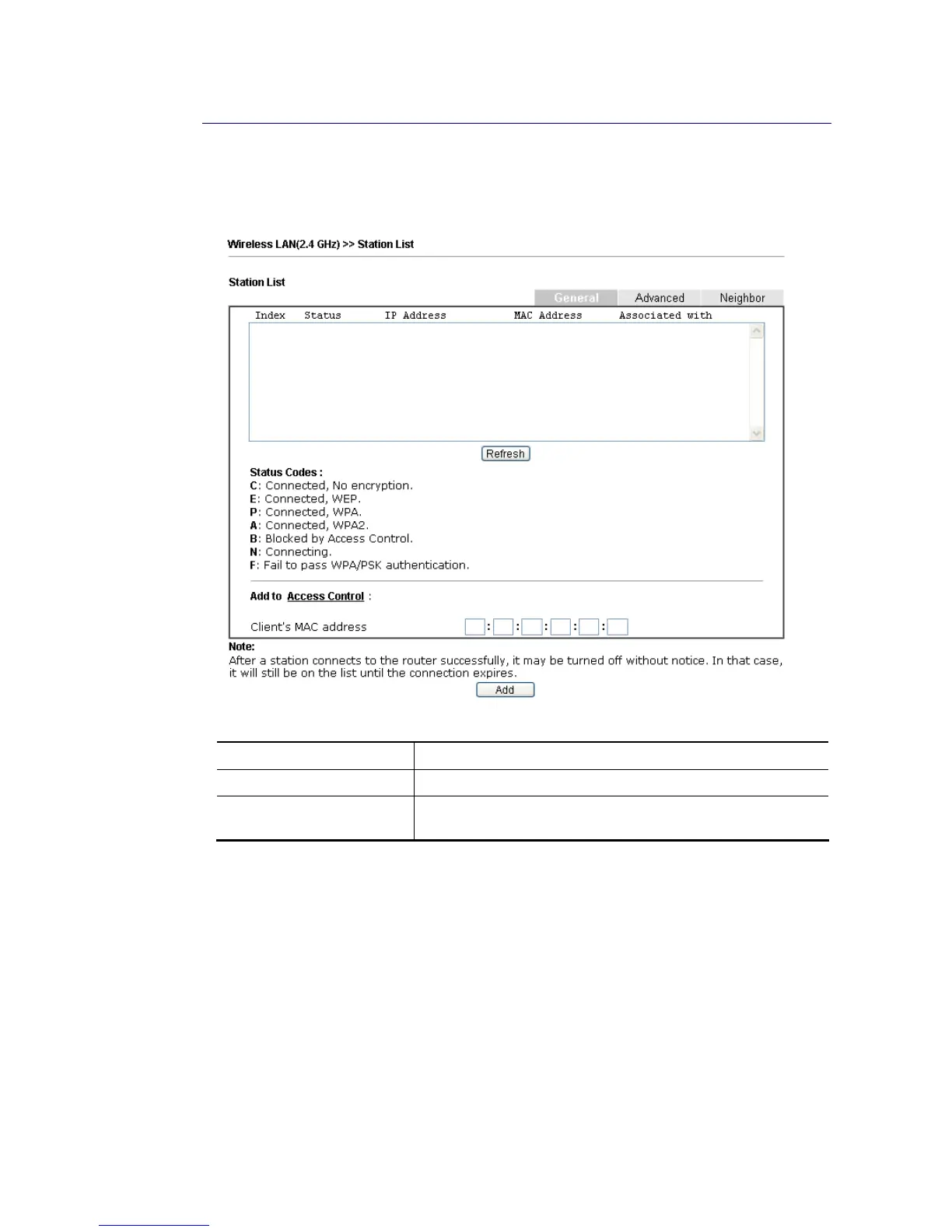
Station List provides the knowledge of connecting wireless clients now along with its status
code. There is a code summary below for explanation. For convenient Access Control, you
can select a WLAN station and click Add to Access Control below.
Available settings are explained as follows:
Item Description
Refresh Click this button to refresh the status of station list.
Add Click this button to add current typed MAC address into
Access Control.















 To Next Page