I
I
m
m
p
p
o
o
r
r
t
t
i
i
n
n
g
g
a
a
T
T
r
r
u
u
s
s
t
t
e
e
d
d
C
C
A
A
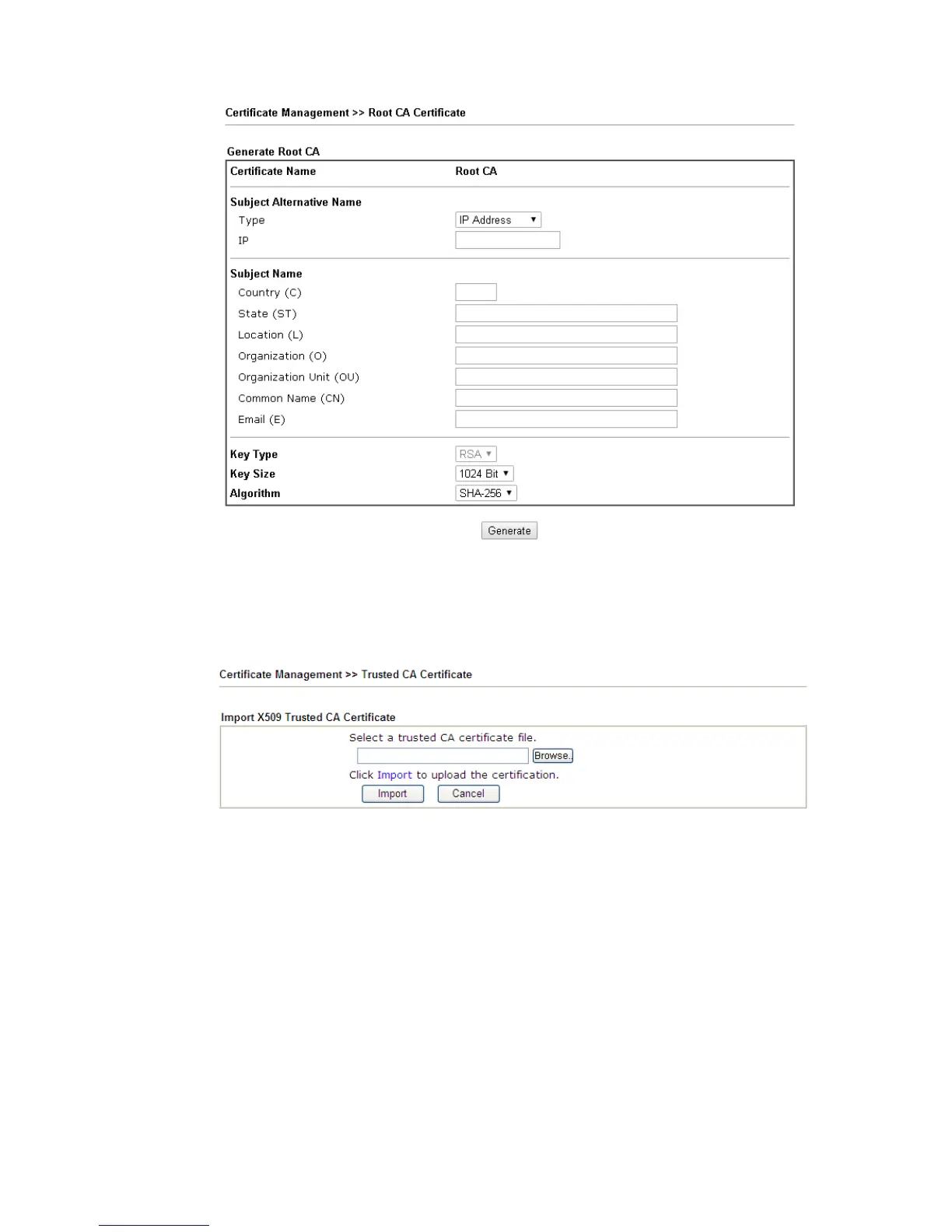
To import a pre-saved trusted CA certificate, please click IMPORT to open the following
window. Use Browse… to find out the saved text file. Then click Import. The one you
imported will be listed on the Trusted CA Certificate window.
For viewing each trusted CA certificate, click View to open the certificate detail information
window. If you want to delete a CA certificate, choose the one and click Delete to remove all
the certificate information.















 To Next Page