Vigor2133 Series User’s Guide
363
Select All Click it to select all of the protocols.
Clear All Click it to de-select all of the protocols.
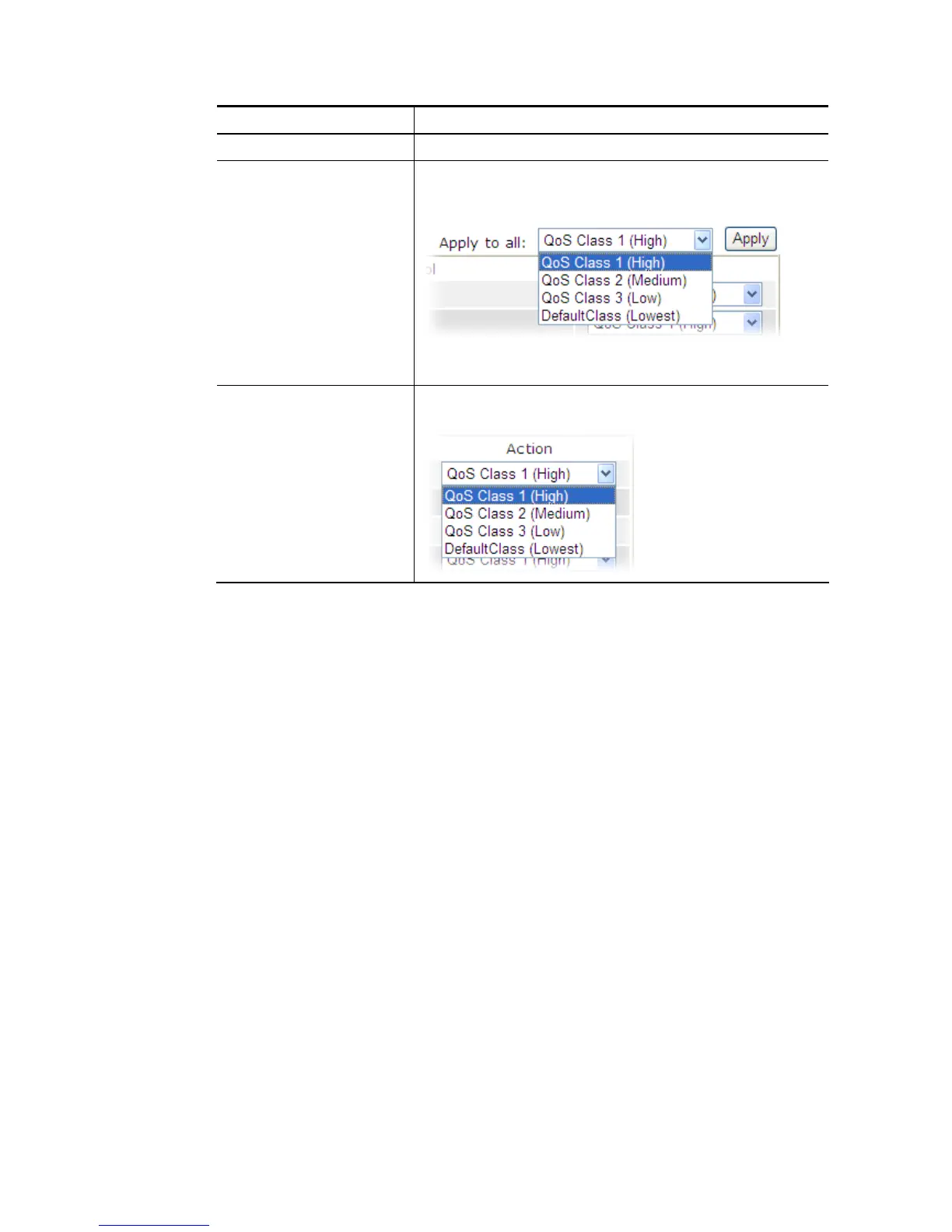
Apply to all Choose one of the actions from the drop down list. It is
prepared for applying to all protocols.
Apply – Click it to make the selected action be applied all of
the selected protocols immediately.
Action There are many protocols which can be specified with
different QoS Class.















 To Next Page