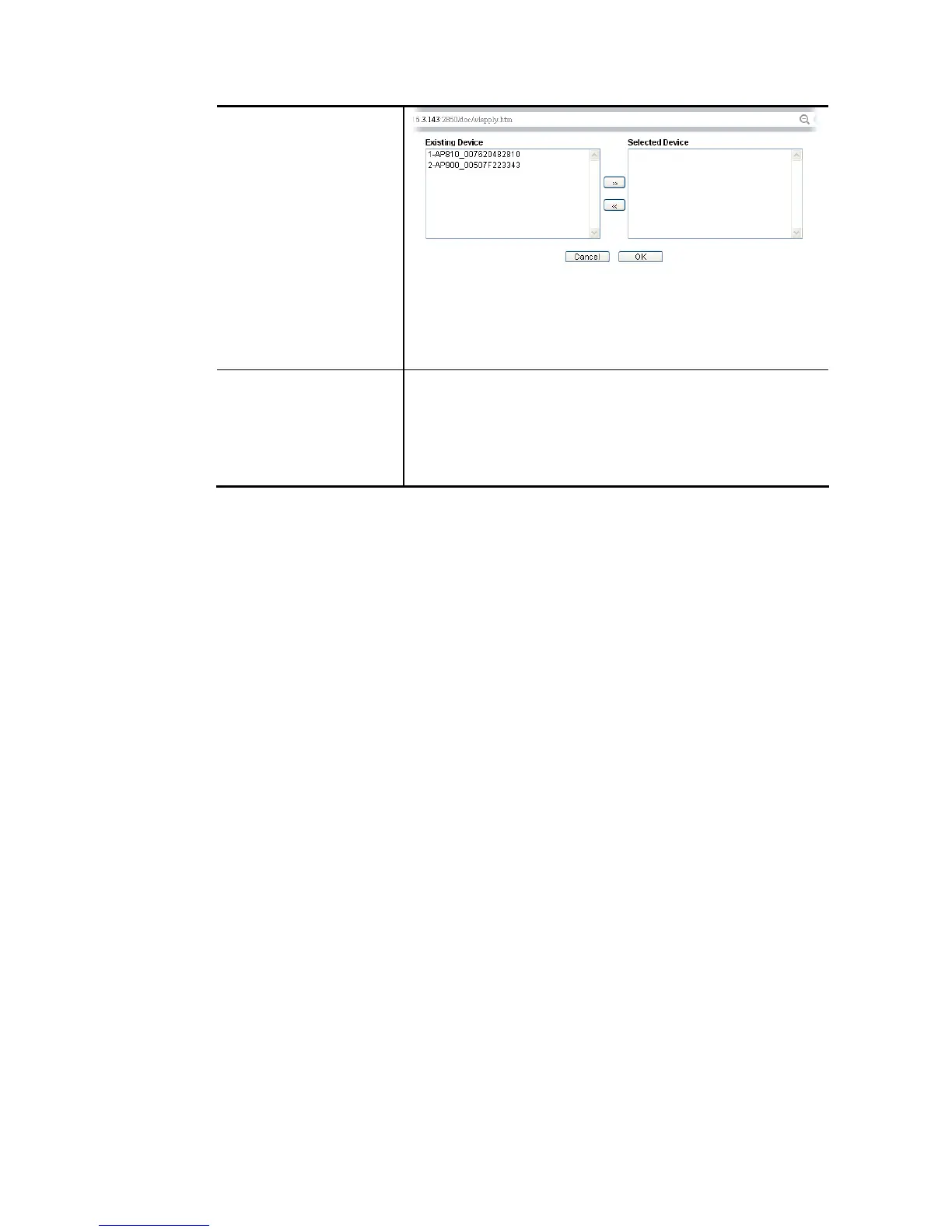
Simply choose the device you want from Existing Device field.
Click >> to move the device to Selected Device field. Then,
click OK.
The selected WLAN profile will be applied to the selected
access point immediately. Later the access point will reboot.
To Local WLAN Profile configured in this page is specified for VigorAP
connected to Vigor router.
If required, these settings also can be applied to Vigor router.
Select and check one of wireless profiles and click this button
to apply the settings onto the WI-Fi wireless settings
configured for such Vigor router.















 To Next Page